14
Home
Home
Home
Homescreen
screen
screen
screen
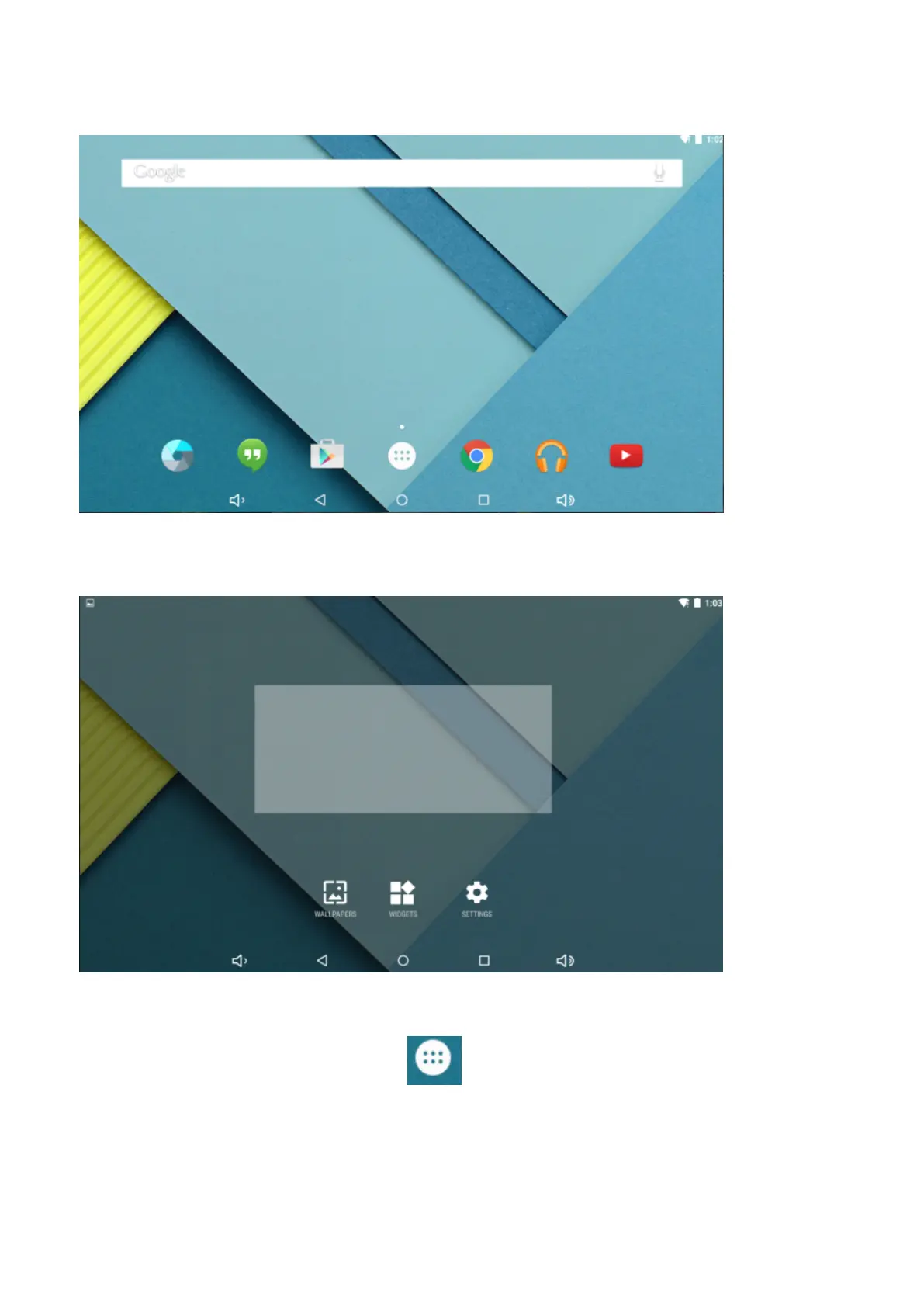
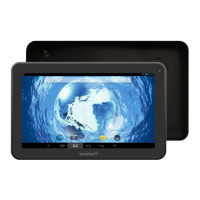
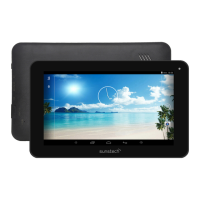
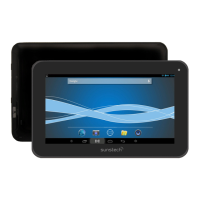
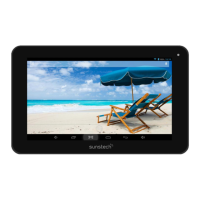
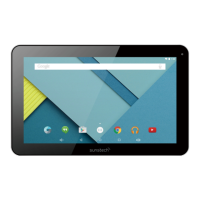
1.Bydefault,thehomescreencanopenmultiplepages,Slidingleft/rightcanswitchdesktopdisplay.
2.
2.
2.
2.Set
Set
Set
Setwallpaper
wallpaper
wallpaper
wallpaper
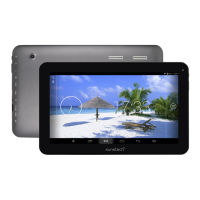
Longpresstheblankspaceofthehomescreenandthenappear“Selectwallpaperfrom
’’
,tochooseanimageas
youlikeaswallpaper.
3.
3.
3.
3.Display
Display
Display
Displayall
all
all
allapplications
applications
applications
applications
Allinstalledapplicationswillbedisplayediftap"
"icon.
4.
4
.
4.
4.Notification
Notification
Notification
Notificationbar
bar
bar
bar
Underthemaininterface,tapthestatusbaricon,suchasUSBconnectionintothenotificationspanel,whichcan
displaythecurrentstatusoftheUSB,TFcardstatusandtherunningapplicationandstatus.
5.
5
.
5.
5.Move
Move
Move
MoveDesktop
Desktop
Desktop
Desktopicon
icon
icon
icon


 To Next Page