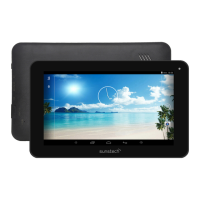
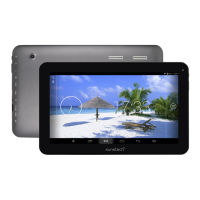
1 -- Volume downer Press the button to decrease the volume
2------Micro SD input
Insert a micro SD card (up to 32GB)
3-- Volume up Press the button to increase the volume
4------USB OTG Port
PC connection/peripheral connection through
OTG cable (for example keyboard, USB device)/
battery charge through the supplied adaptor
5-----Earphone jack
Connect earphone to this standard 3.5mm jack.
6-----Power
Keep pressed to turn on/off the tablet; shortly
press to activate standby
Getting Started
Battery Charging
The tablet has a built-in rechargeable Li-polymer battery.
1. To charge connect the AC power adapter to the micro USB jack on the
right side of the tablet.
2. The battery icon shows the battery status and charging status
3
7----- Reset
press RESET button,Tablet will force to shutdown
Name
Function


 To Next Page