4
Installation
• Place the dosing pump in a dry, accessible place near your aquarium, terrarium or pond. You can easily set the
pump down or hang it up with the suspension eye on the back.
Fig. B Attach a tube via the tube coupling to the inlet of the pump, this inlet tube goes into the reservoir with the liquid
to be dosed. Make sure the end of this tube is at the bottom of the reservoir.
• Attach a tube via the non-return valve to the outlet of the pump, this tube goes to the aquarium, sump, terrarium
or pond.
Fig. C NOTICE! The maximum head of the dosing pump is 1.5 metres, bear this in mind when installing the dosing pump
and the reservoir.
• Turn the dosing pump on by plugging it into the mains.
Calibration (before rst use)
• The pump must be calibrated before use. This requires a reservoir of water and a measuring cup of at least 100ml.
• Put the inlet tube into the reservoir.
• Start the pump (See programming: Manual dosing) so that the tubes are completely lled with water. Make
sure that there is no air left in the tubing before calibrating the dosing pump.
• Stop the pump.
• Put the other tube into the empty measuring cup.
• Now you can start the calibration (See programming: Pump calibration).
Control panel
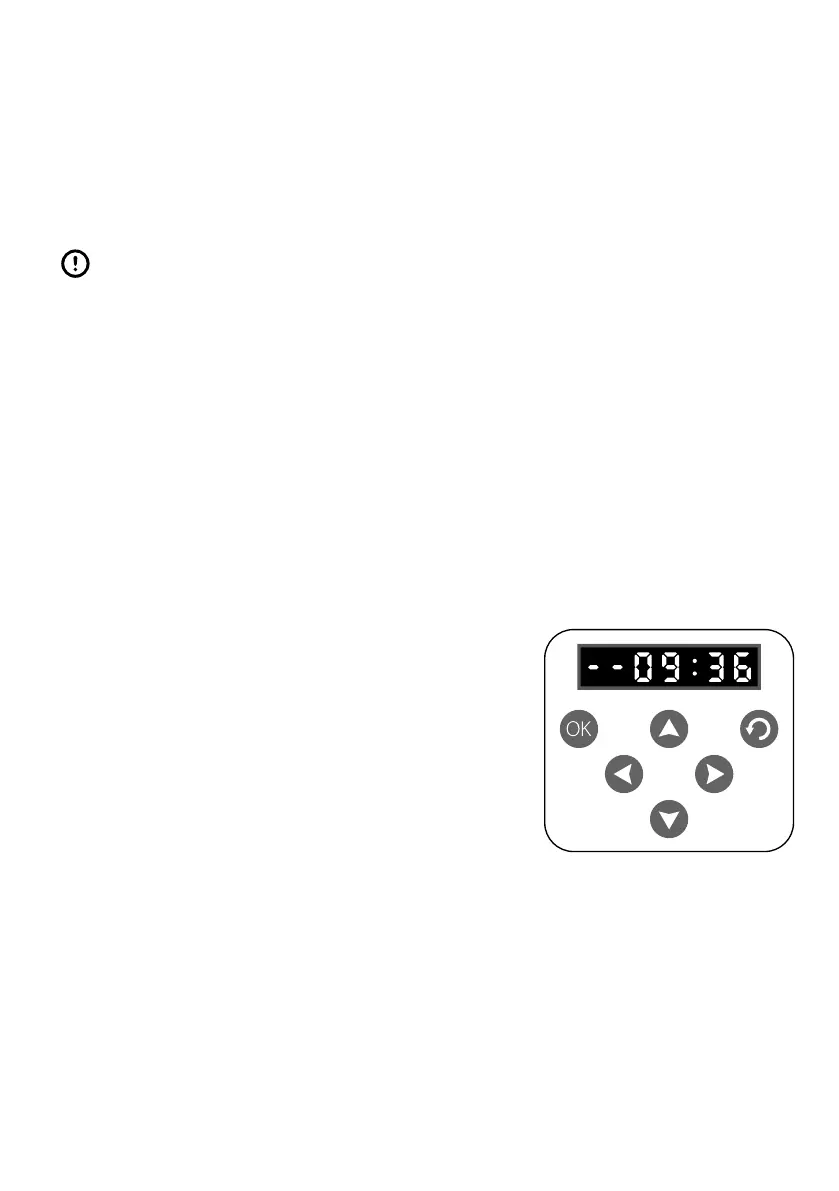
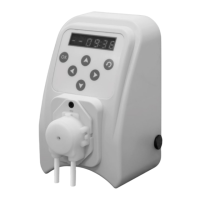
The following settings can be programmed using the control panel on the dosing pump:
• The current time (F1).
• Manual dosing (F2).
• Calibration (F3).
• Reservoir content (F4), can be set to 9999 ml.
• Dosing quantity (F5), can be set between 1 and 9999 ml.
• Dosing interval (F6), can be set between 1 and 72 hours.
• With the arrows and you can choose the settings.
• The OK button allows you to programme the setting.
• Use the arrows and to change the times and values.
• The arrow saves the programmed setting.
Programming
Current time (F1) setting
Press OK
The display shows F1 and the hours will ash F1 00:00
Press or to set the hours F1 12:00
Press OK and the minutes will ash F1 12:00
Press or to set the minutes F1 12:25
Press to save the time or press to save and move on to manual dosing (F2).



 To Next Page