4
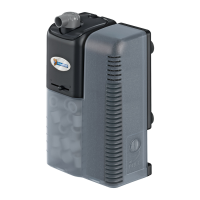
Install the supplied lter cartridge into the compartment, make
sure you click the cartridge rmly in the lter box. If the lter
cartridge is not properly installed, you risk overowing the
aquarium!
The lter helps to keep the water healthy, you need to clean it
weekly. Pull the cartridge gently out of the lter compartment
and rinse it with clean tap water.
The lter cartridge contains Crystal Clear, this absorbs harmful
substances from the water. It’s important you replace the
cartridge monthly. Always disconnect the lter from the mains
when replacing the cartridge.
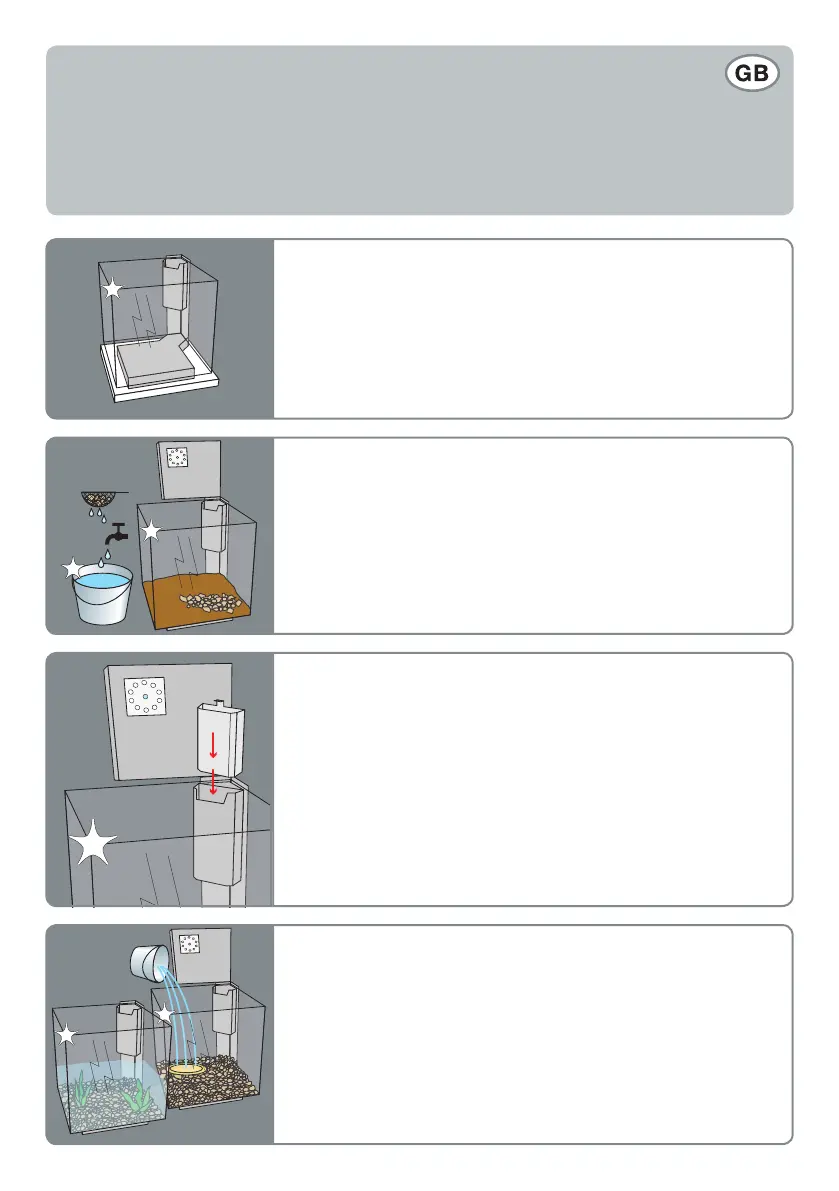
Fill the aquarium slowly with clean tap water of around 20°C.
Place a plate or glass beneath the water stream to prevent
dislodging of the gravel or nutrient substrate. Add water until the
aquarium is half full, place the plants in the aquarium, and then
nish lling the aquarium.
Clean the aquarium and accessories thoroughly with clean tap
water and rinse the aquarium completely clean. Never use
cleaning products or alcohol and always use a perfectly clean
bucket. Cover the bottom with clean aquarium gravel of your
choice. For plant aquariums, rst add a nutrient substrate and
then cover it.
Place aquarium on a smooth, horizontal surface with an adequate
load-bearing capacity. Do not place the aquarium on electrical
appliances or on furniture with surfaces which are liable to
staining by water.
Please note. The total weights of the set up: aquaria completely
with water and additives is ± 40 kg.
Setting up your aquarium:
Choose an appropriate location for the aquarium. The location should be relatively dark, for example
in the corner of a room. The aquarium should not be exposed to direct sunlight. Too much light will
lead to unwanted algae and may harm the sh and plants in the aquarium as a result of overheating.
Step 3
Step 4
Step 2
Step 1



 To Next Page