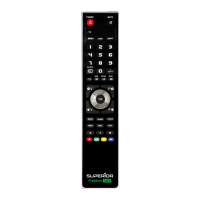
TUTORIAL: FREEDOM USB
SUPERIOR SRL
LARGO LANCIANI 24, 00162 ROMA
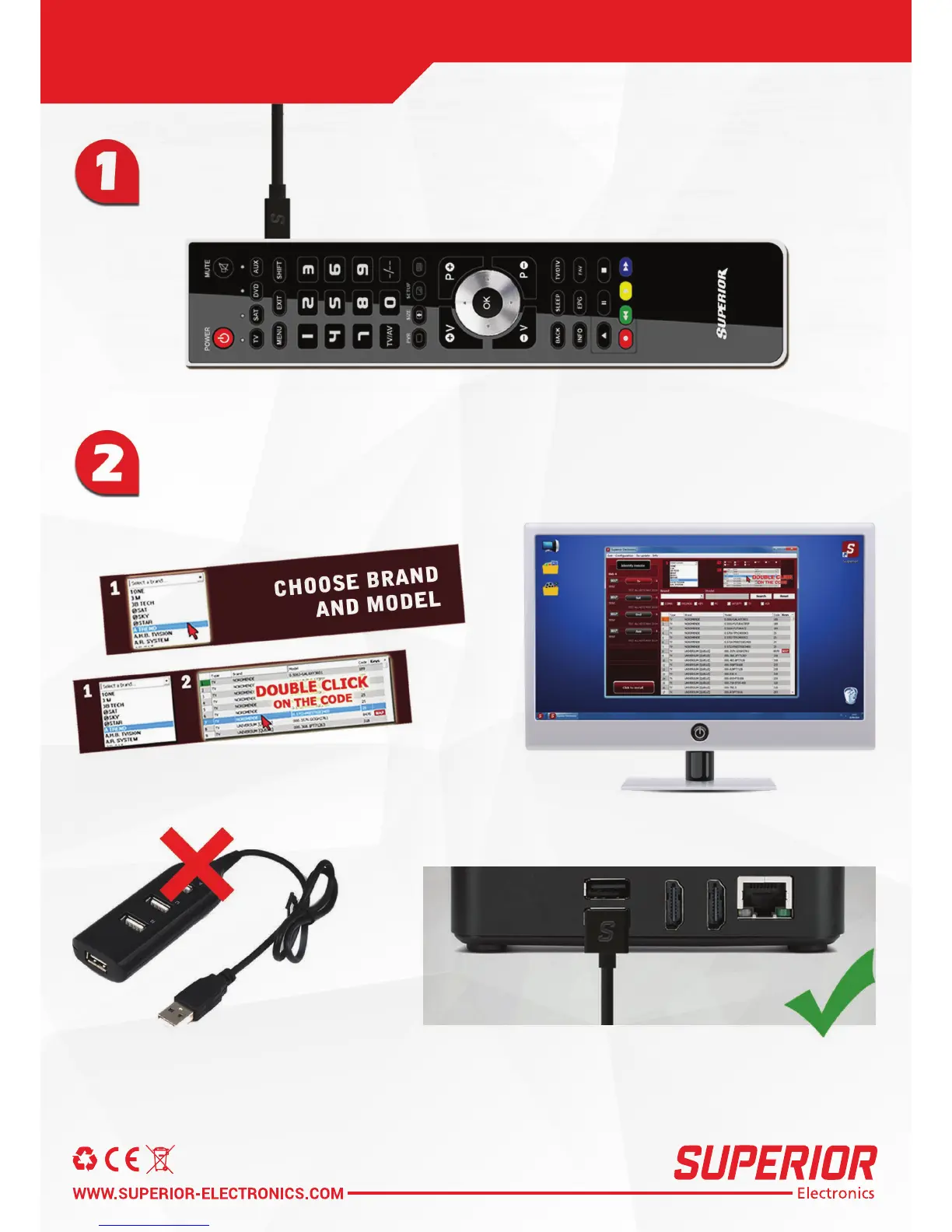
Please connect the remote control
to your Windows PC with a USB/Micro USB cable.
Just follow the instructions on screen:
choose the brand from the list, enter the model name of your device.
Double click on the desired model. Enjoy viewing
Never use Usb-Hub (multi-Usb) to connect
Freedom Remote Control to your PC.
Always connect Freedom Remote Control
directly to the Usb port of your PC.



 To Next Page