- This activates some, but not all, electronic program guides
(EPG data) when it is used and transmitted by some DTV station
providers. It is only supported when receiving DTV channels.
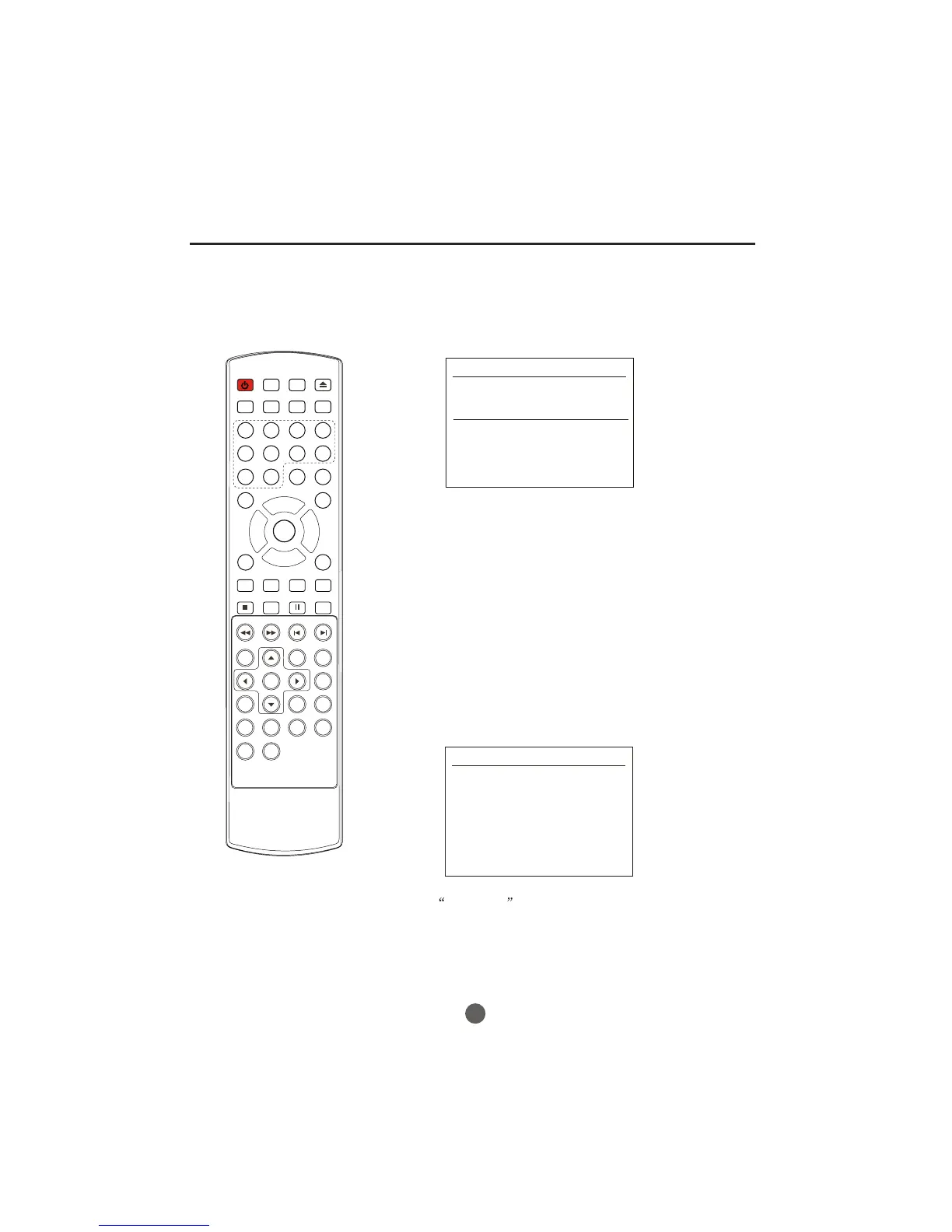
1. Press theGUIDE button to switch on GUIDE.
2. Press the VOL+/- button to select desired program.
3. Press theGUIDE button again to switch off GUIDE and return
to TV viewing.
GUIDE 1/3
03:00 ---04:00
Moving picture 480i 4:3
04:00 ---05:00
Moving picture 480i 4:3
You can create your own Favorite List. Use the
on on the remote control when a channel is highlighted
and then you can add or delete the channel to/from the
Favorite List.
“FAV.LIST”
butt
Press the FAV.LIST button open the favorite channel
list, press CH+/-button to select the channel and press
OK button
to confirm.
VOL+/- button to select to add or delete. Press the
FAVORITE CHANNELS
GUIDE
FAVORITE CHANNELS LIST
32
Other Functions
1 - -------
2 - -------
3 - -------
4 - -------
5 - -------
6 - -------
7 - -------
8 - -------
POWER TV/DVD
OPEN/CLOSE
Q.VIEW INFO
MUTE
1234
5678



 To Next Page