39
DVD System Setup(Continued)
DVD System Setup
The Preference Page is only available when there is no disc
in the player. These settings are applied consistently to all
discs which are inserted and played.
Preference Page
..Preference Page..
Default
SETUP
PLAY/ENTER
SETUP
PLAY/ENTER
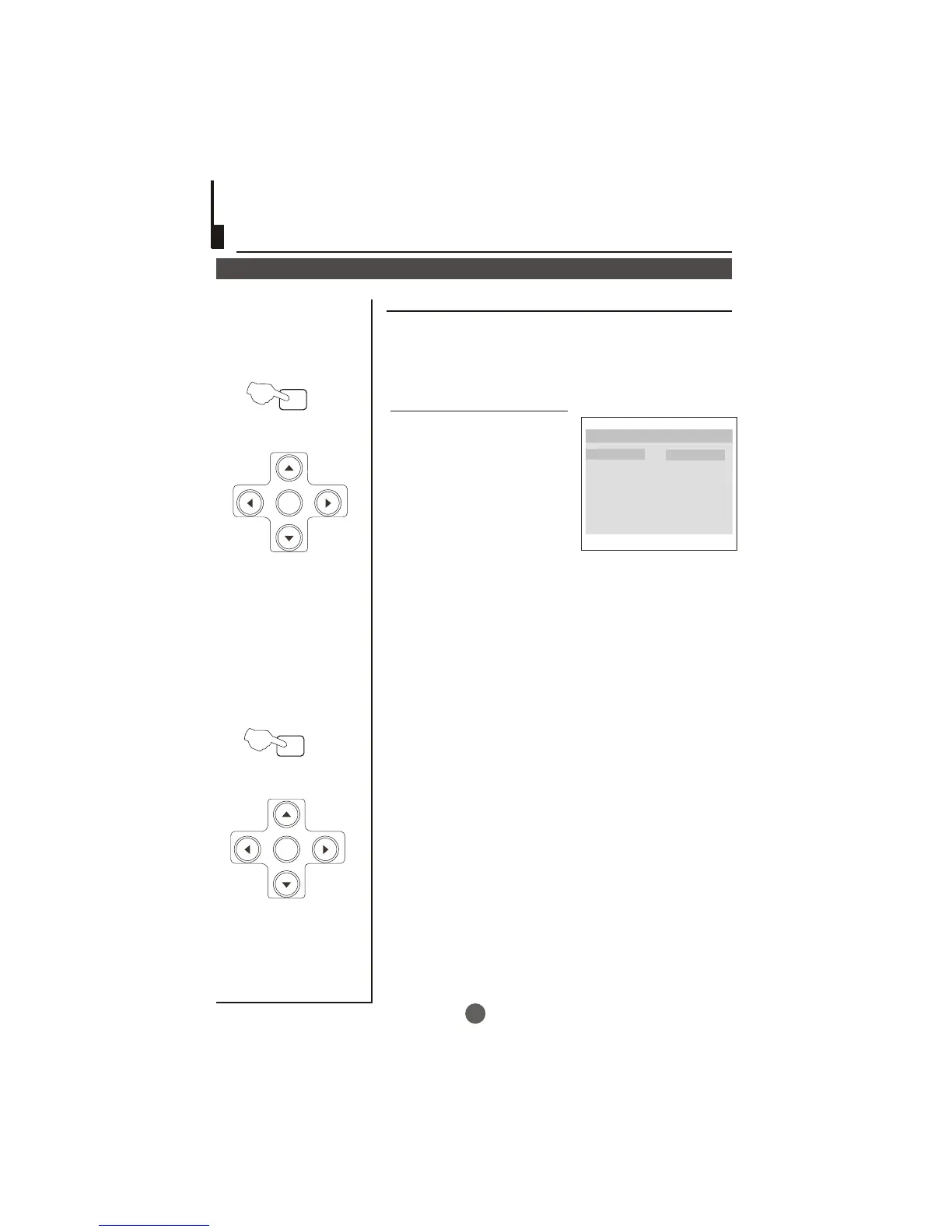
DEFAULT: Resets all settings
(except password and parental
lock status) for this DVD player
back to the manufacturers
original settings. Press ENTER
to perform the reset.
Note:
Some functions may not be available depending on the type of disc.
Resert



 To Next Page