33 —
© 2011 Skier’s Choice, Inc.
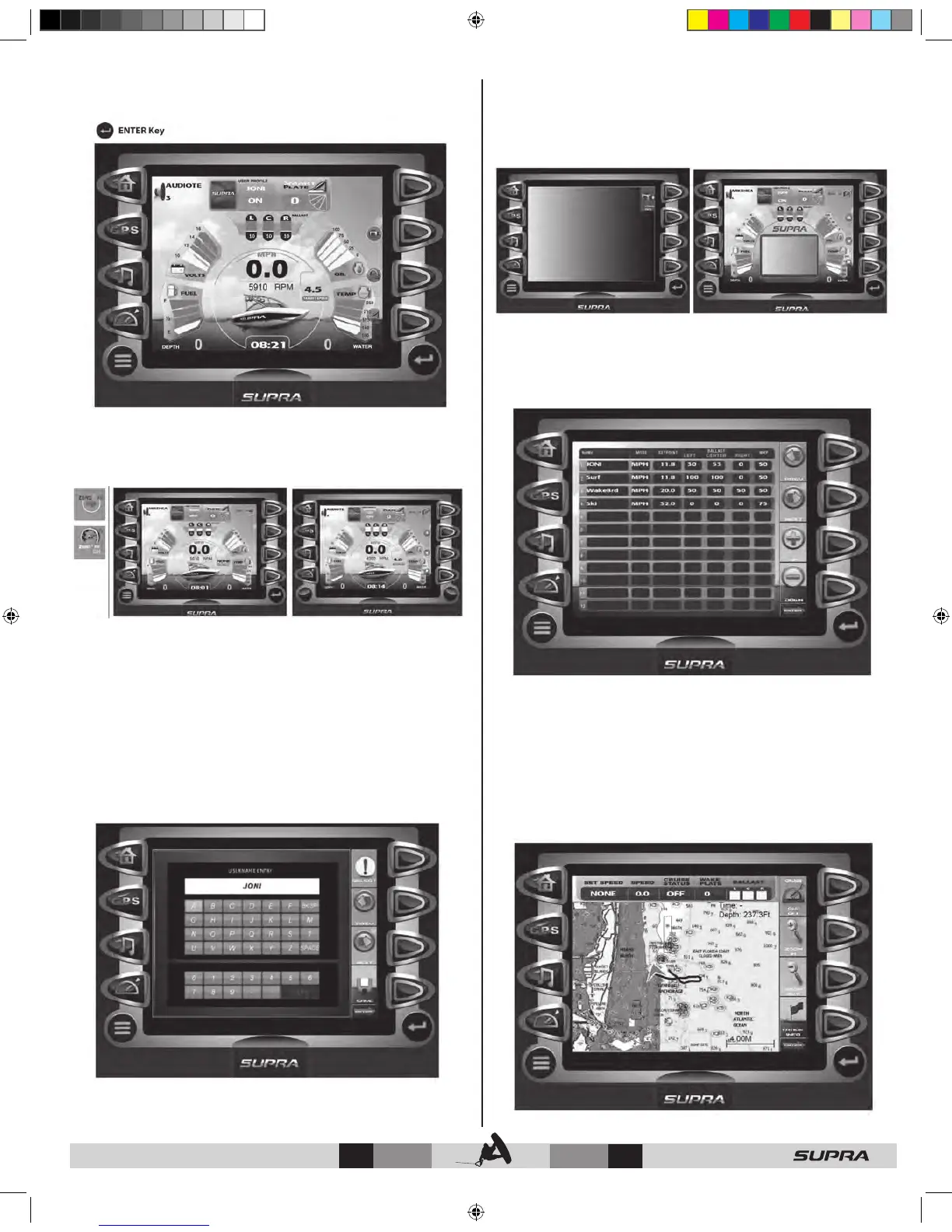
Pressing the ENTER key launches the Soft Key Commands to
overlay the right side of the display.
Home Display - Soft Key Commands
ZERO ON/OFF – indicates the current state of cruise and toggles
the cruise control On or Off.
ZERO OFF – selecting ZERO OFF from the Home Display screen
engages the cruise control in the ‘ON THE GO” mode.
While in ‘ON THE GO’ mode, the following soft keys are
available:
UP – DOWN – increase or decrease the target speed.
SAVE – creates a new user profile from the current cruise
settings. Use PREV,
NEXT, and SELECT to enter a new users name, then press
SAVE.
NOTE: For more information on Profiles, refer to the User
Presets Screen section.
VIDEO ON / OFF – displays full-screen input from video in.
Pressing the key a second time overlays a reduced video window
onto the Home Display screen, allowing user, cruise, and gauge
information to be viewed simultaneously. A third key press turns
Off the video feature.
NOTE: Full screen video is not available when cruise is engaged.
In addition to the gauge screen, the partial video can also be
seen in the Multimedia Display screen.
CRUISE SETUP – accesses user profiles and cruise controls
The Cruise feature is explained in more detail in the “User Presets
Screen” section.
SMART PLATE – feature currently inactive.
GPS Display
The GPS Display screen can be accessed by pressing the GPS
key. The GPS feature displays map data, Latitude and Longitude
coordinates, time, and speed. Additional Soft Key Commands
are accessed by pressing ENTER Key .



 To Next Page