
 Need help?
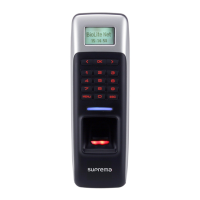
Do you have a question about the suprema BioLite Solo and is the answer not in the manual?
Lists the main physical parts included with the BioLite Solo device.
Explains how to select and place fingers for optimal fingerprint recognition.
Step-by-step guide to set up the first administrator account.
Instructions for configuring the device in a standalone installation mode.
Guide on how to add new users to the system.
Instructions for modifying existing user information.
Steps to remove user data from the system.
Settings related to user access authorization methods.
Lists common error messages and their corresponding solutions.
Provides solutions for common problems encountered with the device.
 General
| Scan area | 128 x 64 mm |
|---|---|
| Sensor type | Optical sensor |
| Maximum scan resolution | - DPI |
| International Protection (IP) code | IP65 |
| DC input voltage | 12 V |
| Product color | Black, Grey |
 Weight and Dimensions
| Depth | 40 mm |
|---|---|
| Width | 60 mm |
| Height | 185 mm |

 To Next Page