EasyManua.ls Logo

Supreme Heating AquaGen 5 - User Manual

Supreme Heating AquaGen 5
8 pages
Print Icon
To Next Page IconTo Next Page
Loading...
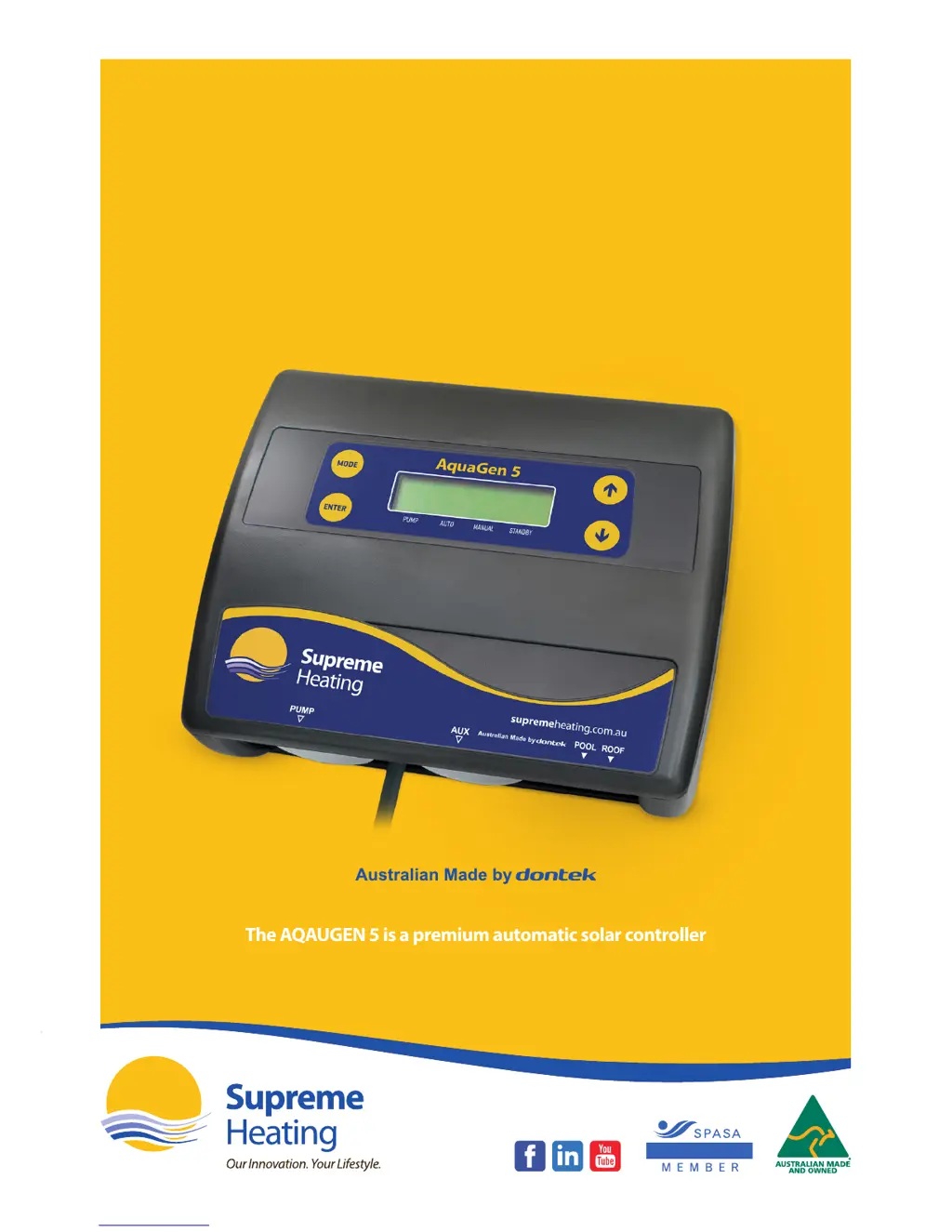
The AQAUGEN 5 is a premium automatic solar controller
with temperature adjustment, manual, cooling
and standby mode features.
NATIONAL
AquaGen 5
Controller
User Manual

Questions and Answers

Summary

Installation Instructions

Controller Mounting

Guidance on selecting a location for the control box, considering weather and proximity to water.

Pump Connection

Details on connecting the solar pump to the 240V socket.

Pool Sensor

Instructions for fitting the pool sensor into the heating circuit, including drilling and placement.

Roof Sensor

How to fit the roof sensor to the collector material and notes on cable extension and joins.

Operating Instructions

Mode Button

Explains how the mode button changes operation modes (Heating, Manual, Standby) and how modes are saved.

Temperature Setting (Up and Down Buttons)

Details on adjusting the temperature limit for heating and how it affects operation.

Enter Button

Menu Navigation

How to navigate the menu system using UP, DOWN, and ENTER buttons for settings.

LCD Screen Content

Displays pool/roof temps, limit, pump status, and time.

LCD Indicators

Arrow icons on the LCD screen point to current mode text.

Controller Troubleshooting

No Power To The Display

Solutions for when the controller display shows no power.

Pipe;Roof Sensor Faults

Error messages and solutions for pool or roof sensor issues.

Pump Faults

PUMP WILL NOT START

Reasons and solutions if the pump fails to start.

PUMP WILL NOT STOP

Troubleshooting steps if the pump does not stop operating.

POOL NOT HEATING

Explains potential causes and fixes for the pool not heating.

RTC-FAIL

How to address the RTC-FAIL error, often related to power interruptions.

Installer Setup

SYSTEM SUB-MENU

Lists the options available within the system sub-menu for installer configuration.

Notes

Important notes for installers regarding menu timeouts, sensor faults, power interruptions, and damage.

Warranty

Customer Record

Fields for the customer to record dealer, serial number, and installation date.

Supreme Heating AquaGen 5 Specifications

General IconGeneral
BrandSupreme Heating
ModelAquaGen 5
CategoryController
LanguageEnglish