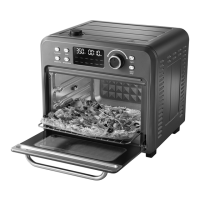
Control Panel:
1
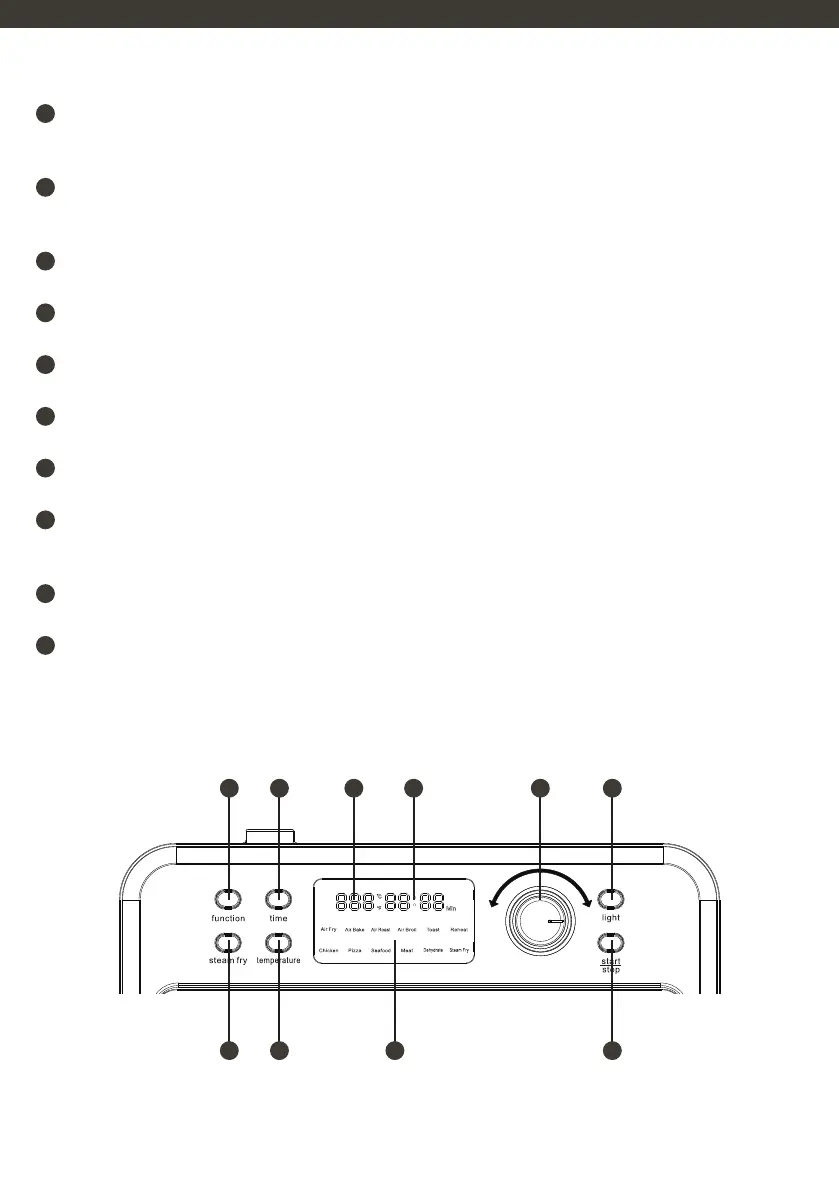
PRESET FUNCTION BUTTON
Use this button to select the desired cooking function. Press the button and rotate the knob to choose the function you
need.
2
TIME BUTTON
Press this button to enter time setting mode. The time display will flash. Rotate the adjustable knob to increase or
decrease the time.
3
TEMPERATURE DISPLAY
A digital display showing the current temperature setting.
4
TIME DISPLAY
A digital display showing the current time setting.
5
ADJUSTING KNOB
Use this knob to adjust the time, temperature, and function settings.
6
OVEN LIGHT
Press this button to turn the oven light on or off.
7
STEAM FRY
Press this button to enter steam fry mode.
8
TEMPERATURE BUTTON
Press this button to enter temperature setting mode. The temperature display will flash. Rotate the adjustable knob
to increase or decrease the temperature.
9
SCREEN
The selected function is clearly displayed on the screen.
10
START/STOP BUTTON
Use this button to start or stop the oven.
1
7 8 9 10
2 3 4 5 6


 To Next Page