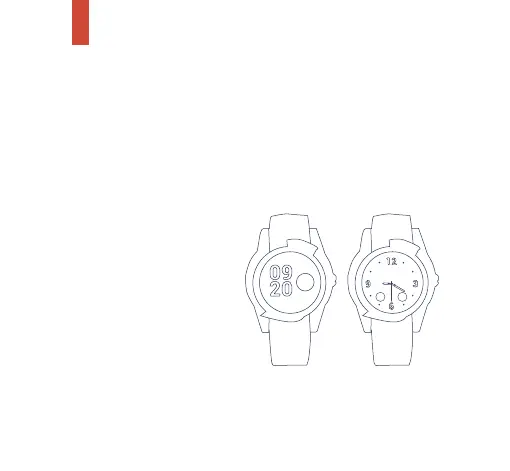
Clock Type
The SureSafeGO Plus watch face can be set to tell the time in
2 different formats – digital and analogue.
To change the Clock Type tap the watch face and slide the
screen left until you reach the ‘Settings’ screen.
Tap on ’Settings’ and swipe again to ‘Watch Faces’.
Tap ‘Watch Faces’ and then
select between ‘Analogue’
and ‘Digital’.
Confirm your selection and
the watch face will display
the appropriate clock type.
Dec 12 WED
12 DEC
WEDNESDAY
34


 To Next Page