16
Step 8: Activating an SOS alarm
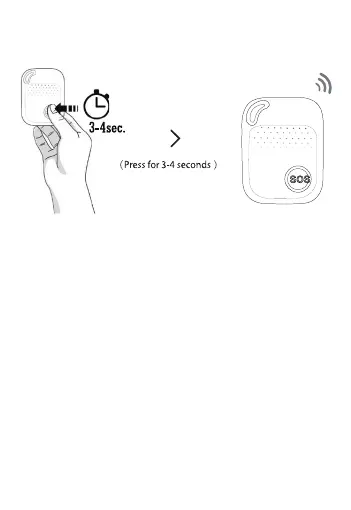
When you need help, press the SOS button
for 3 seconds until you hear a voice prompt
announcing the alarm has been activated.
This starts the sequence of sending a “help
me!” text message to your emergency contact
numbers followed by the outgoing calls.
Each contact will be called in sequence. If the
device fails to connect to the first number, it
will call the second number after a delay of
10/15 seconds. If the second number fails to
connect then the system will connect to the
third number and so on.


 To Next Page