8
Step 4: Switching device on and off
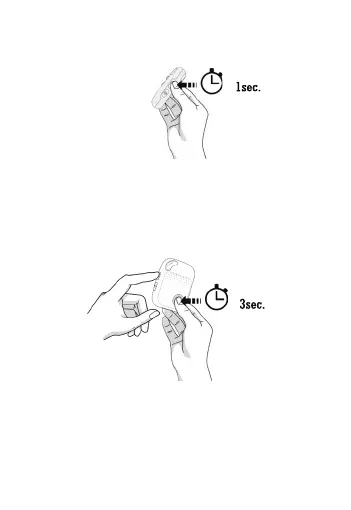
• To turn the device off: press and hold the
POWER button and SOS button together for
3 seconds until the LEDs turn off.
• Alternatively, text ‘OFF’ to the alarm to
switch it off.
• To turn the device on: press the POWER
button for 1 second, all the LEDs will flash
rapidly. The device can also be turned on
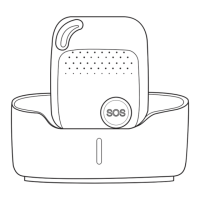
automatically by charging via magnetic USB
cable or put it into the docking station.


 To Next Page