First View
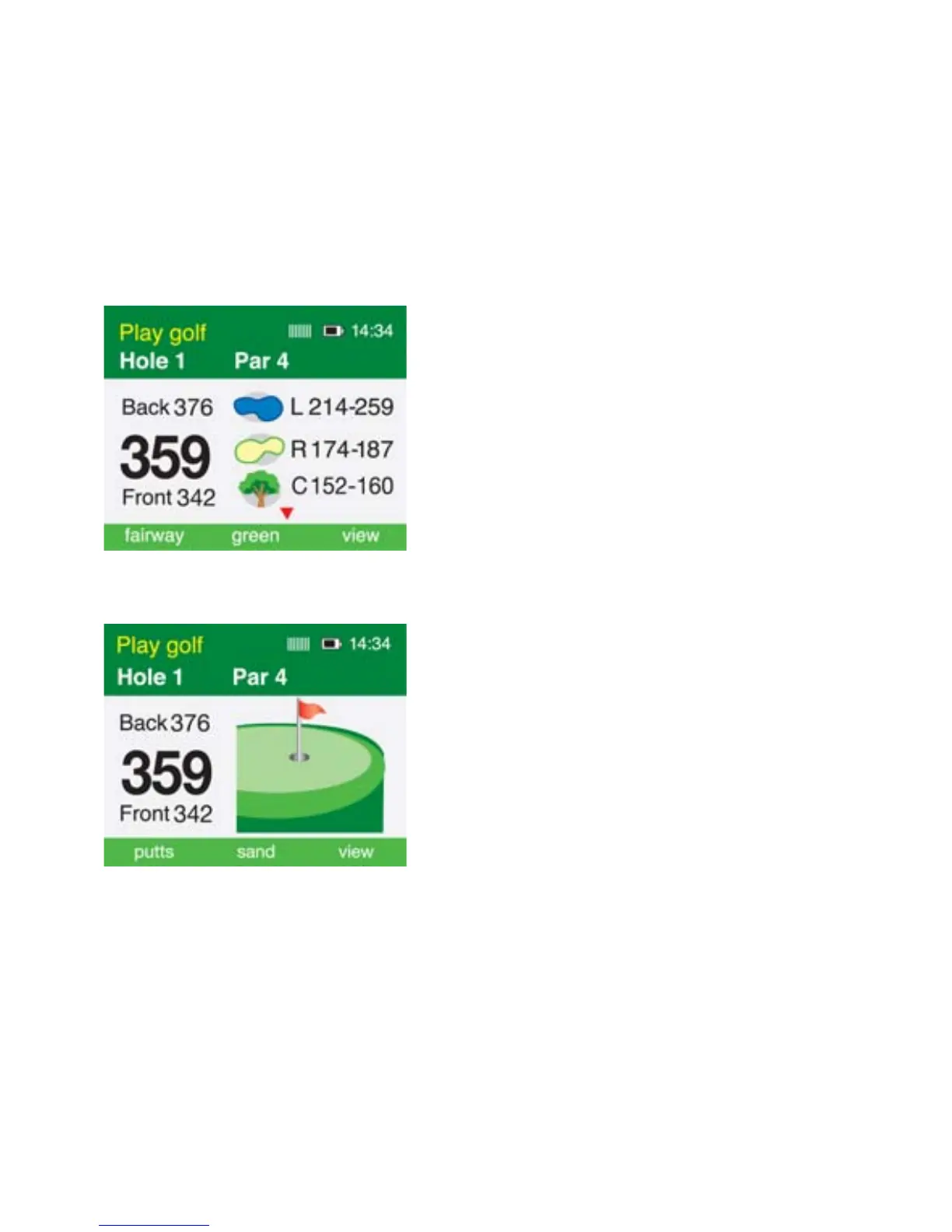
The first viewing screen, to the left, displays
the distance to the hazards and the carry of
the hazards for each hole on the right side.
A red arrow is displayed on the screen when
there are more than three hazards per hole.
Use the up/down arrows to scroll through
the mapped hazards. The distance from you
to the centre of the green is shown on
the left side.
Second View
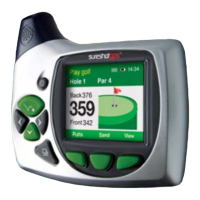
The second viewing screen, to the left,
displays the distance from you to the front,
centre and back of the green. These
measurements are displayed in metres or
yards depending on your preference (see
instructions under Setup)



 To Next Page