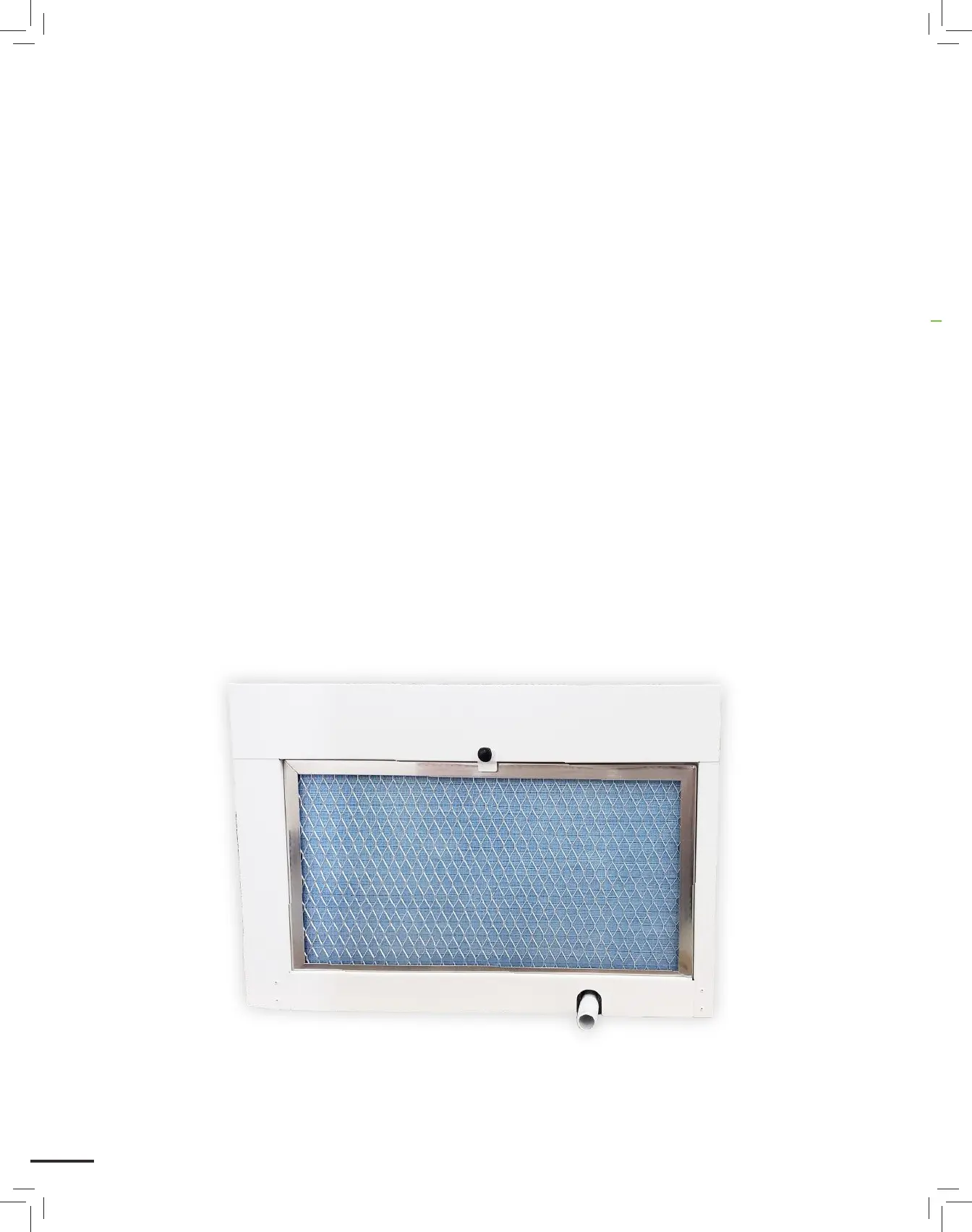
CLEANING THE FILTER (CONTINUED)
5. Spray the filter with mild detergent (only if washing with water) (optional)
a. When done cleaning, it should be possible to see light showing through the filter.
b. If it is not possible to clean the filter to the point where light is able to shine through, the filter
should be replaced.
6. Let filter air dry for at least 10 minutes. The filter can be used damp, but not dripping wet.
a. Ensure drain holes on the filter are facing down for proper drainage and drying.
7. Reinstall the filter with the air flow indicator pointing in, toward the evaporator coil.
20


 To Next Page