OPERATING INSTRUCTIONS
BEFORE OPERATING THE AIR PURIFIER:
1. Carefully remove your air purifier from the box and plastic bag.
2. Select a firm, level and flat location for the air purifier.
*For proper air flow, locate the unit at least 1 foot from any wall or furniture.
*Make sure none of the grills are blocked.
3. Plug the power cord into an AC outlet of proper voltage.
IMPORTANT: When moving the air purifier, always lift the unit by the carrying handle located on
back.
OPERATING THE AIR PURIFIER
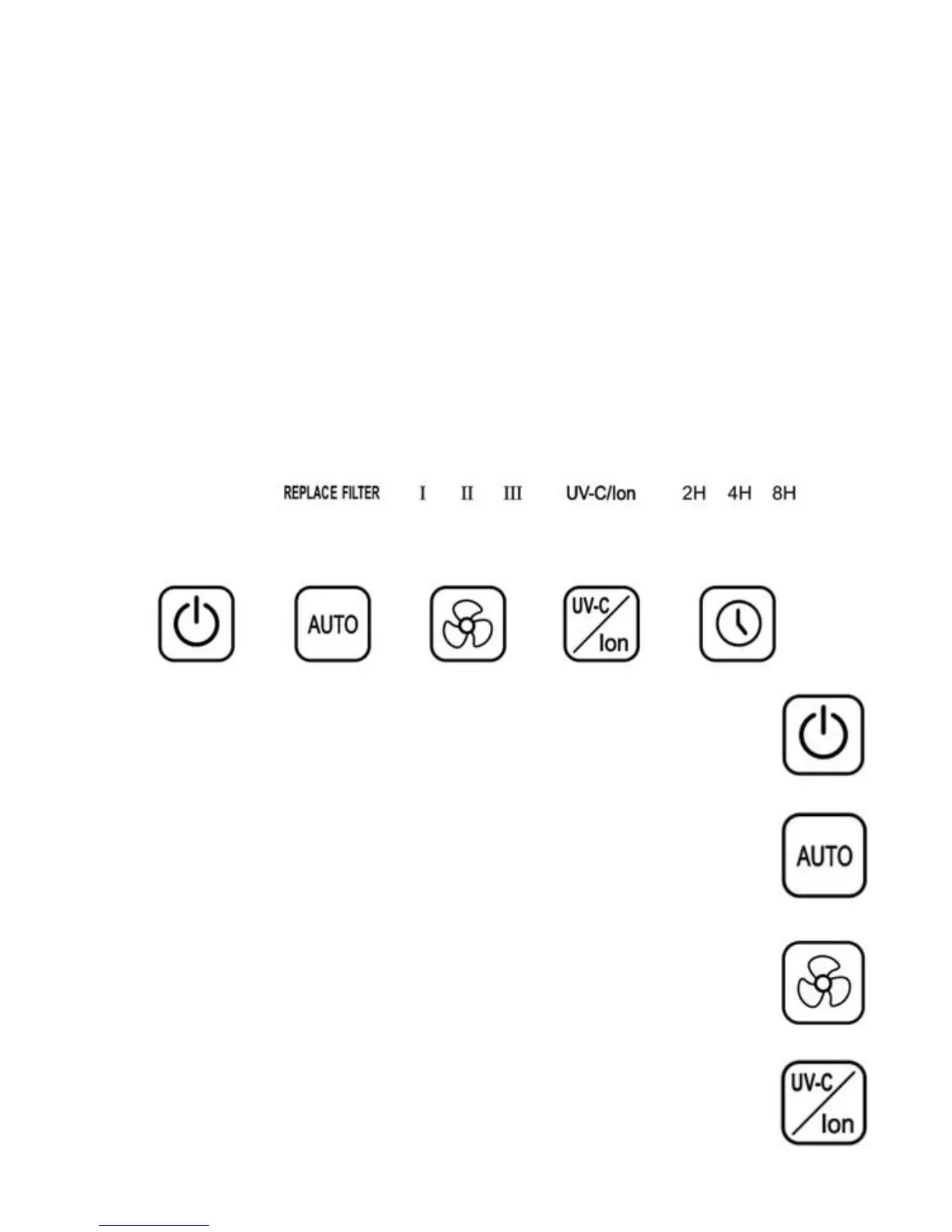
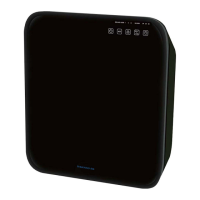
1. “POWER” BUTTON:
Press this button to turn on or switch off the unit.
3. “SPEED” BUTTON:
The fan speed of the unit can be adjusted when the unit is in operation (I=Low;
II=Medium, III=High). Each time that you press the (SPEED) button, the speed is
adjusted from L (low) to M (medium) to H (high) and back to low again.
2. “AUTO” BUTTON:
Press this button to activate AUTO function. In AUTO function, the fan speed will adjust
according to the air quality, based on the continuous readings of the pollutant sensor.
Note: When the REPLACE FILTER light begins to flicker, press and hold this button to
reset the filter change indicator.
4. “UV-C” BUTTON:
Press this button to turn the UV/Ion/Photocatalytic Oxidication functions on and off.
“On” by default.


 To Next Page