NFC-enabled device directly over the NFC logo on the
SURVIVOR SRV-2 speaker. Hold it in place until you see a
prompt on your device asking you if you want to pair to
the SURVIVOR SRV-2 speaker. You may need to adjust the
positioning of the device on the NFC logo to ensure the
device’s internal NFC transmitter aligns with the SURVIVOR
SRV-2 speaker’s internal NFC receiver.
NOTE: If your SURVIVOR does not have an active
Bluetooth
®
connection and is left on, it will shut itself off
after 30 minutes to preserve the battery. To restart your
SURVIVOR you will need to press and hold the power
button for 2-3 seconds.
PAIRING TWO TOGETHER –
WIRELESS STEREO-PAIRING
Want even bigger sound? If you have two SURVIVOR SRV-2 units
(yeah, you should probably get two), you can pair them together
for left and right stereo using “True Wireless” technology. Here’s
how you do it:
First be sure to disconnect all Bluetooth
®
connections (if any) on
your device and remove any previously paired SURVIVOR SRV-2
speakers from your device.
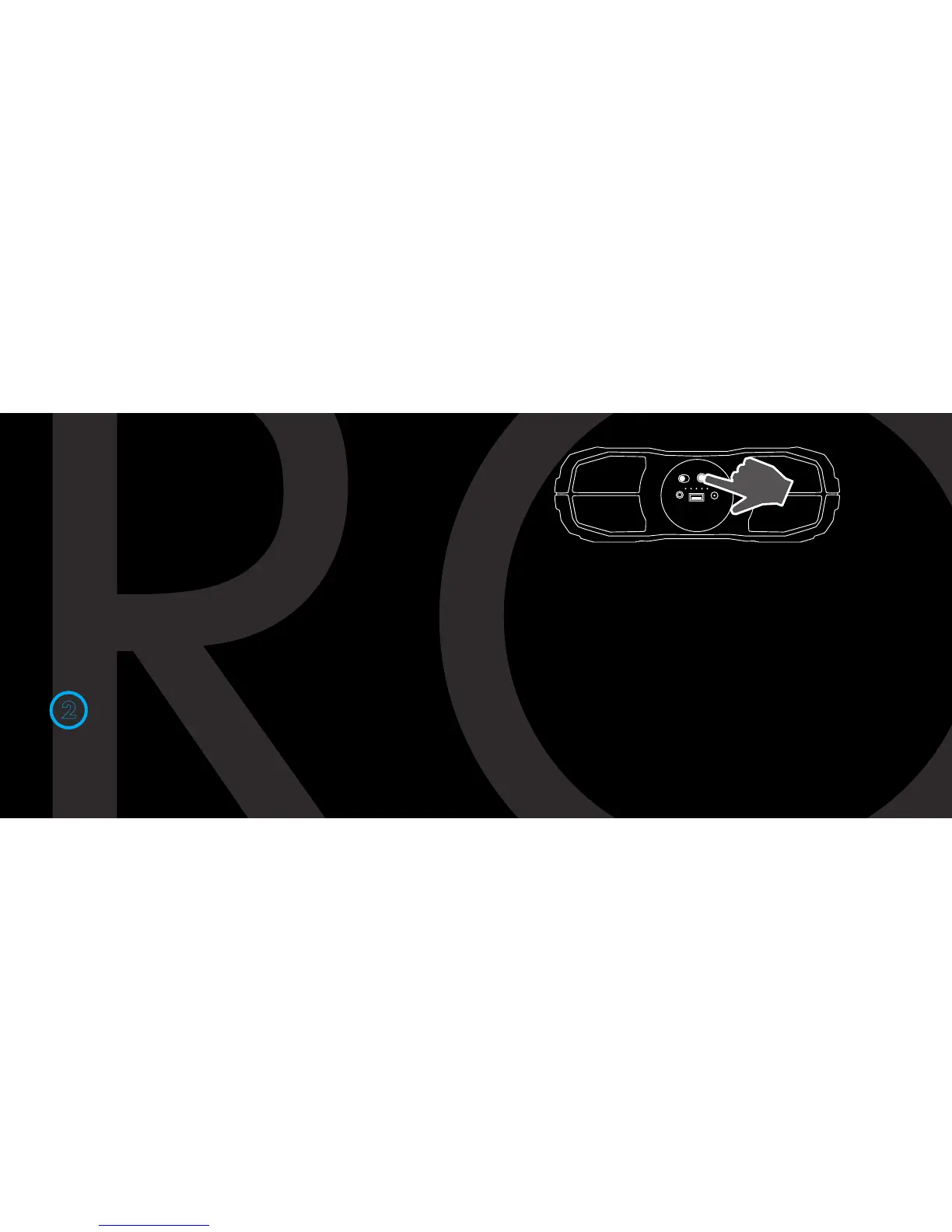
Next, press and hold the battery check button on both SURVIVOR
speakers for 5 seconds until you hear a sonar sound from both
speakers. Within 30 seconds, a second beep will indicate a True
Wireless connection between the SURVIVOR SRV-2 speakers.
2


 To Next Page