Sutron Corporation 8310 & 7310 Users Manual 8800-1125Rev. 2.7 (BETA) 4/16/2014 pg. 135
Send setup to 8310
Get setup from 8310
Get formatted setup
Upgrade Firmware
All terminal operations require a Y-MODEM transfer, which is supported by most terminal
programs. Consult the guide to your terminal program on how to send and receive files using Y-
MODEM. In general terms, you will select the menu item on the 8310 to prepare the logger for
the file transfer, and then go to your terminal program to initiate the file transfer. If you haven’t
initiated the file transfer within a minute, the 8310 will time-out and not accept the transfer.
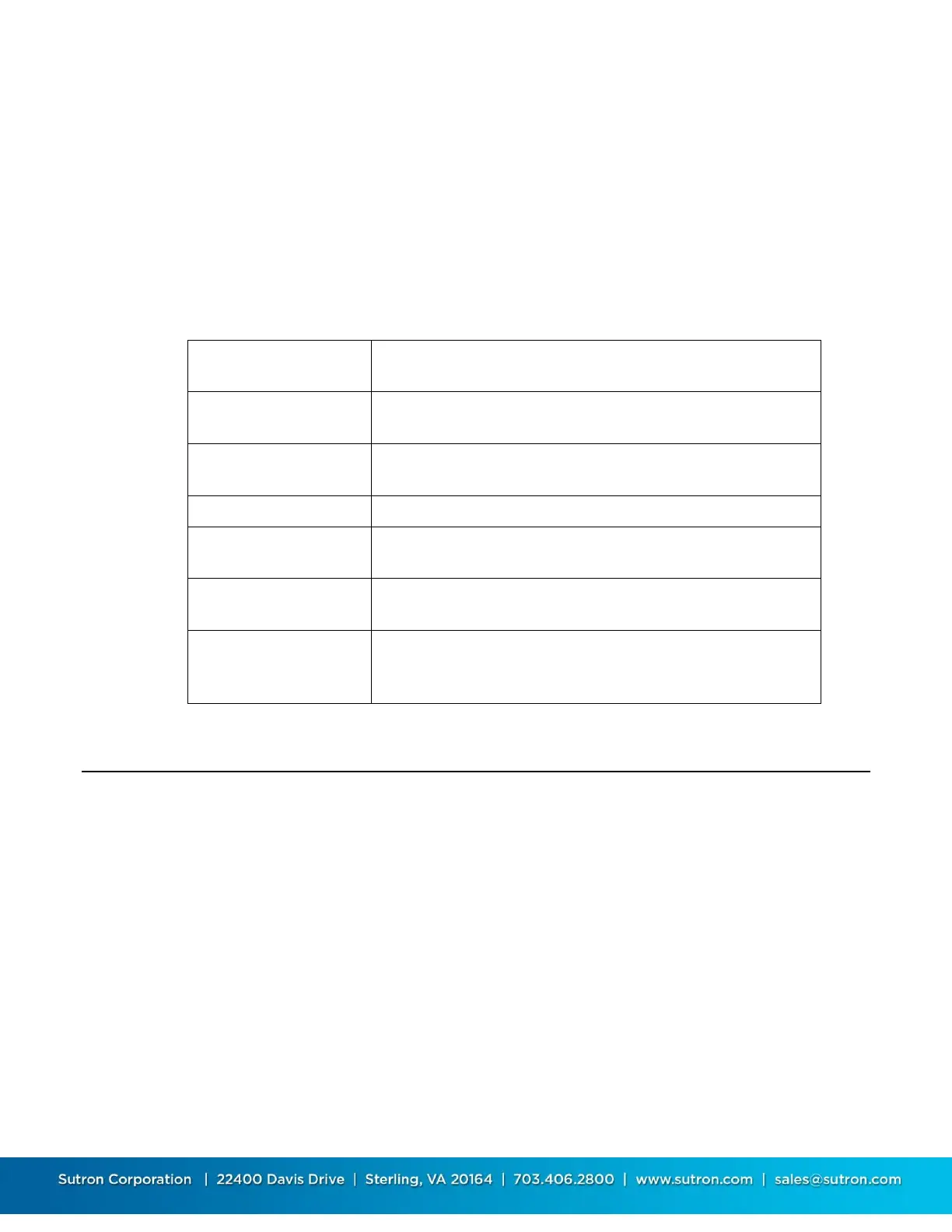
This function gets a portion or all of a log and saves it on the
PC.
This function gets a Basic program from your PC and loads it
onto the 8310.
This function is used to get a Basic program from the 8310
and save it on the PC.
This function is used to send (upload) a setup to the 8310.
This function is used to get the current setup from the 8310
and save it on the PC.
This function is used to get the current setup and save it on
the PC, in an easily readable text file.
This function starts the process to update the software in the
8310. See Upgrading the Firmware in Chapter 12 for details
on how to use this function.
Diagnostics
The diagnostic menu items give quick navigation to look at all the inputs, outputs,
communications and status of the system. The Diagnostic menu also includes SDI tools.
The diagnostics menu appears as shown below.
Diagnostics
Communications (3) >
Inputs (3) >
Outputs (3) >
I/O Modules (3) >
SDI Tools >
System Status >
Selftest >
Basic Status: RUN
Clear Cal Data
Debug to System Log
Select mux channel
Upgrade Firmware


 To Next Page
 Loading...
