Photo Taking Mode:
The d06 camera can operate in Photo Taking Mode, and take
HD photo up to 10 Mega pixels
To take a photo:
Simp y power on the d06 camera Long press MENU to select
Photo Mode, and Press 0k to take photo
Like the Video Recording Mode, you can press the Menu button
once to access the setting menu for Photo Mode, Press Menu
twice to enter system setting menu
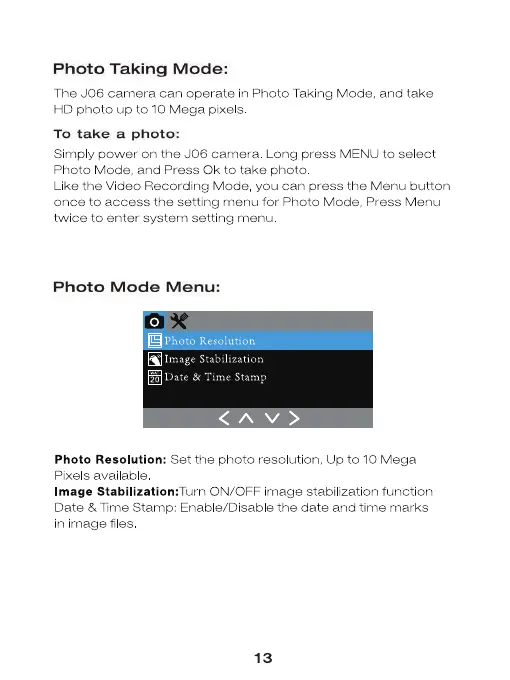
Photo Mode Menu:
Image Stabilization
20 Date & Time Stamp
Photo Resolution: Set the photo resolution, Up to 10 Mega
Pixels available
Image Stabilization: Turn ON/OFF image stabilization function
Date & Time Stamp: Enable/DisabIe the date and time marks
in image files
13


 To Next Page
 Loading...