Playback Mode:
This mode allows you to play back recorded video or view photos
1 Stop video recording, ong press MENI_J button twice to enter
playback mode
2 Use UP and DOVVN button to scrol through the recorded files/
photos, and press 0K to view recorded video
Playback Menu:
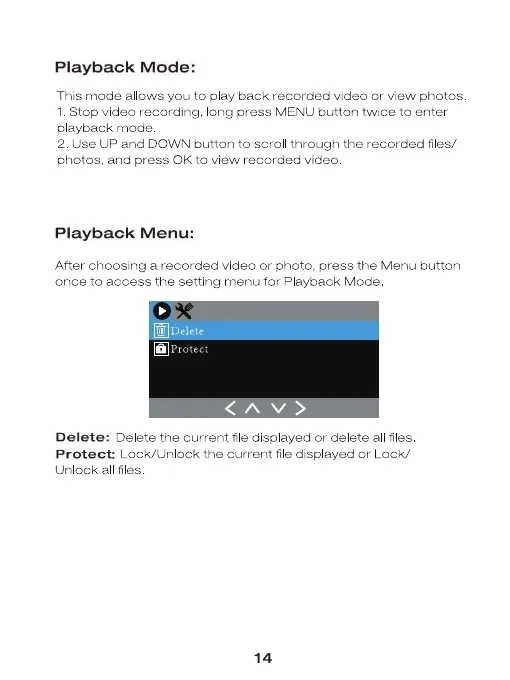
After choosing a recorded video or photo, press the Menu button
once to access the setting menu for Playback Mode
Protect
Delete: Delete the current file displayed or delete all files
Protect: Lock/lJnIock the current fie disp ayed or Lock/
Unlock all files
14


 To Next Page