System Setting Menu:
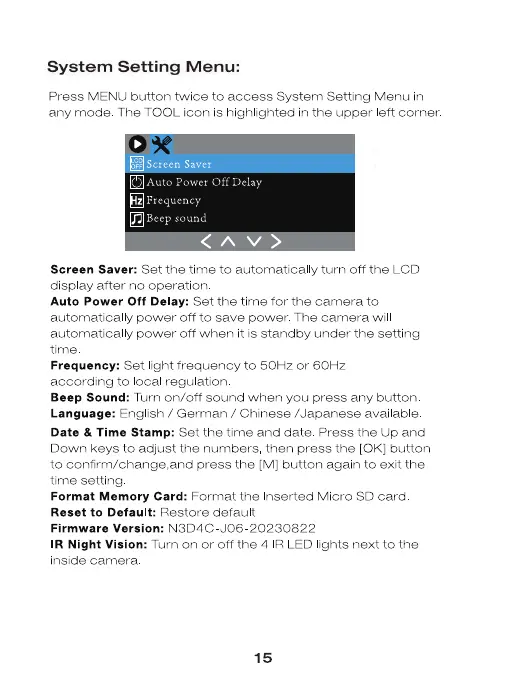
Press MENU button twice to access System Setting Menu in
any mode The TOOL icon is highlighted in the upper eft corner
O Auto Power Off Delay
Frequency
Beep sound
Screen Saver: Set the time to automatical y turn off the LCD
display after no operation
Auto Power Off Delay: Set the time for the camera to
automatical y power off to save power. The camera wil
automatical y power Off when it is standby under the setting
time
Frequency: Set light frequency to 50Hz or 60Hz
according to ocal regulation
Beep Sound: Turn on/off sound when you press any button
Language: English / German / Chinese /Japanese available
Date & Time Stamp: Set the time and date Press the up and
Down keys to adjust the numbers, then press the [0K] button
to confirm/change,and press the [M] button again to exit the
time setting
Format Memory Card: Format the Inserted Micro SD card
Reset to Default: Restore default
Firmware Version: N3D4C JOO 20230822
IR Night Vision: Turn on or Off the 4 R LED lights next to the
inside camera
15


 To Next Page
 Loading...