59
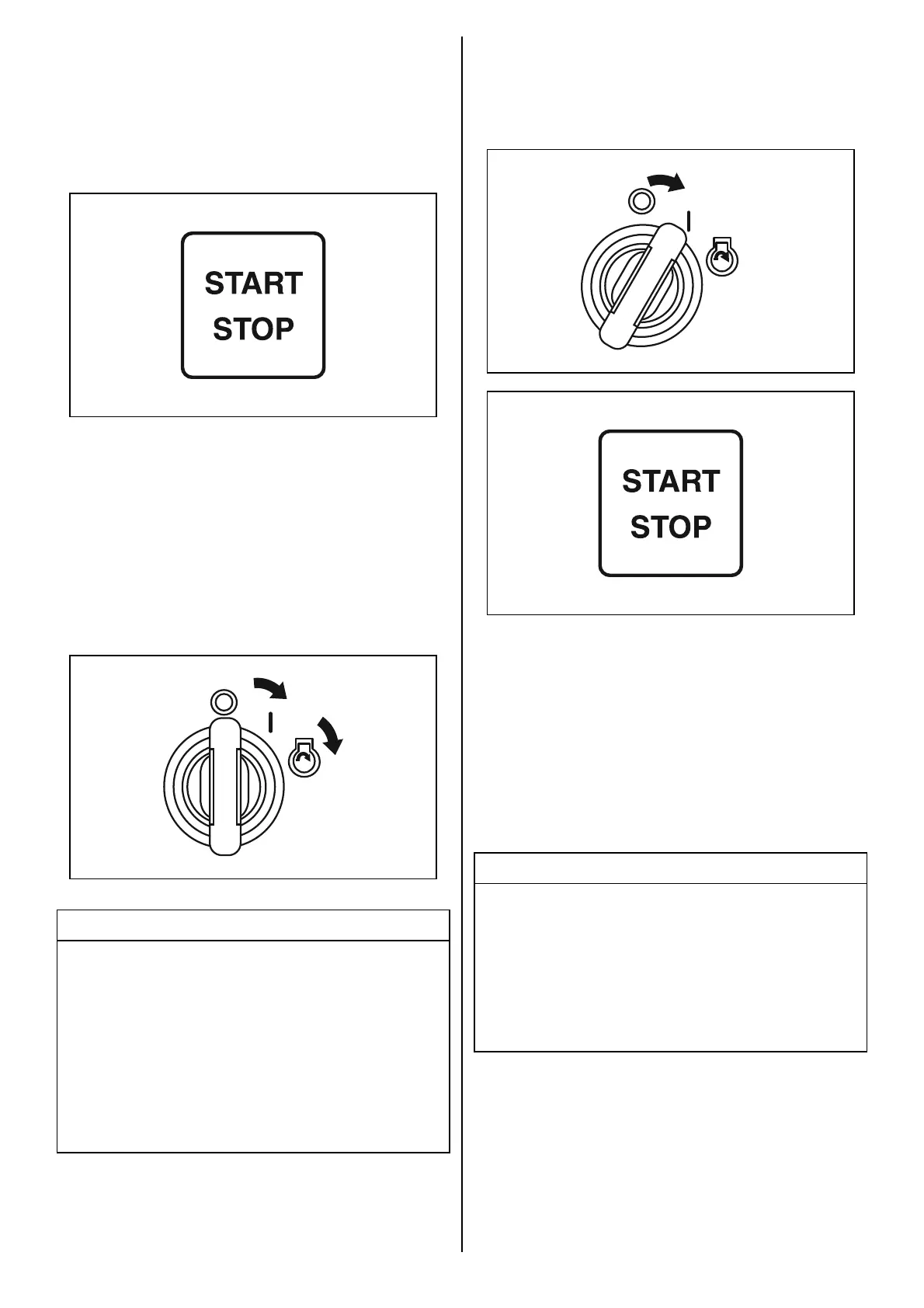
(3)To start each engine individually, press and
hold the engine switch for at least 2 seconds
to set Keyless Start System to ON state
(buzzer sounds once). Then press the con-
trol panel start/stop switch to start each
engine individually.
If not equipped with Keyless Start System:
Turn until the ignition key is in the “ON” posi-
tion.
Turning the ignition key to the “START” posi-
tion automatically starts all engine.
After returning the ignition key to “ON” posi-
tion from “START” one, starter motor con-
tinue to turn for 4 seconds until engine start.
NOTICE
If you hold the ignition key at the “START”
position to start the engine, the starter system
can be damaged.
Turn the ignition key to the “START” position
once and release it to start the engine. The
engine will crank continuously for 4 seconds
or until the engine starts.
OFF
ON
START
To start each engine individually, turn the igni-
tion switch to the “ON” position. Then press the
control panel start/stop switch to start each
engine individually.
NOTE:
If equipped with Keyless Start System:
The communication range is a distance of 1 m
(40 in) between the keyless fob and the keyless
control unit.
If the Keyless Start System fails to turn ON, the
buzzer emits one (1) long sound and three (3)
short sounds.
In this case, repeat the procedure again.
NOTE:
The continuous operating time of the starter
motor is set at four seconds.
When this time is exceeded, the starter motor
will automatically stop.
If the motor stops, wait about ten seconds for
the motor to cool down and try again.
NOTICE
If “Low Oil Pressure” is displayed on the
screen of the meter while operating the out-
board, the oil level may be low enough to dam-
age the engine.
Stop the engine and check the oil level.
OFF
ON
START



 To Next Page