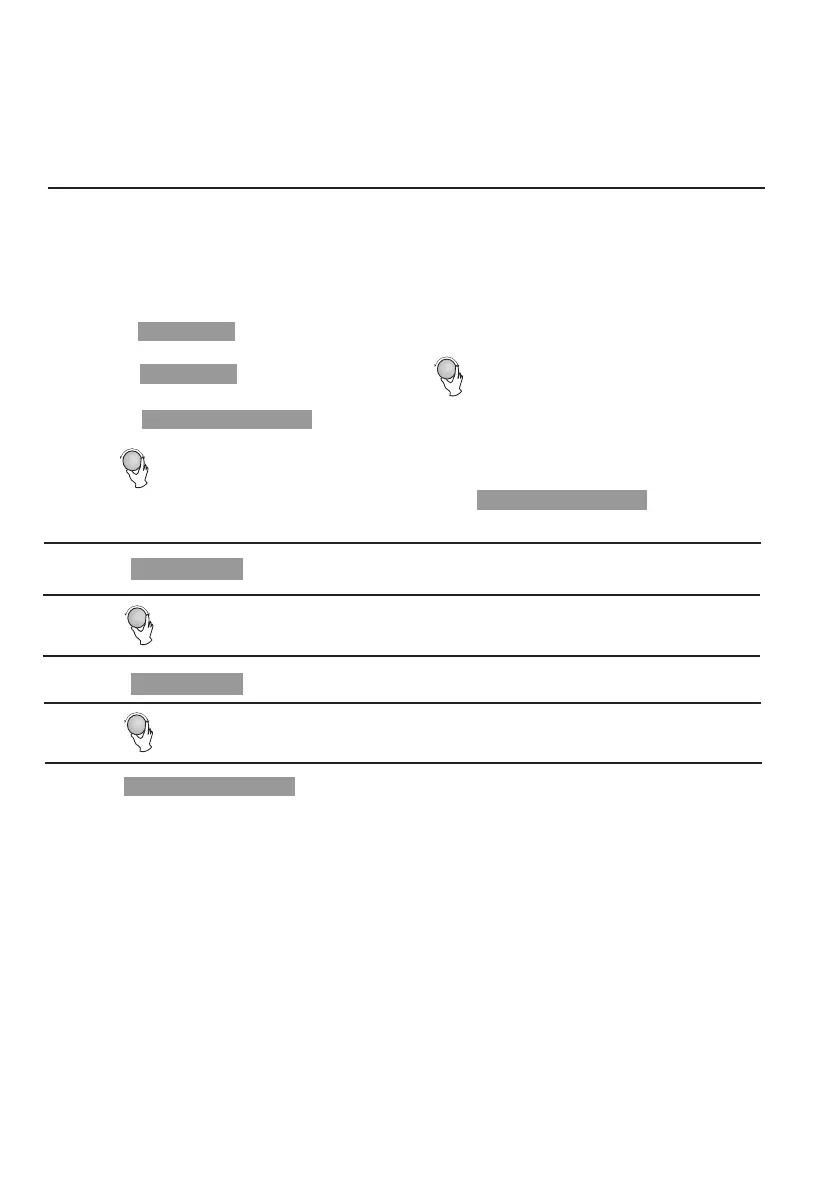
4) Turn " " to adjust the hour figures, the input time should be within 0--23.
5) Press " ", the minute figures will flash.
3) Press " ", the hour figures will flash.
c. Press " " to confirm, and the screen displays "P 80".
d. Turn " " to adjust the cooking time till the oven displays "7:00".
After the aboved steps, be careful not to press " " to start
cooking.
Clock/ Pre-Set
Clock/ Pre-Set
6) Turn " " to adjust the minute figures, the input time should be within 0--59.
7) Press " " to finish setting. If the door is closed, buzzer will ring
twice when the time arrives, then cooking will start automatically.
Start/+30Sec./Confirm
Start/+30Sec./Confirm
Start/+30Sec./Confirm
a. Press " " once, the screen display "P100".
b. Press " " once again or turn " " to choose 80% microwave power.
9. Program set in Advance
1) Set the clock first. (Consult the instruction of clock setting.)
2) Input the cooking program. Two stages can be set at most.
Defrost should not be set as the cooking program.
Example: If you want to cook with 80% microwave power for 7 minutes, operate it as the
following:
Microwave
Microwave


 To Next Page