ENG
7
User’s Manual
Congratulations on your purchase of the SVEN headphones!
APPLICATION
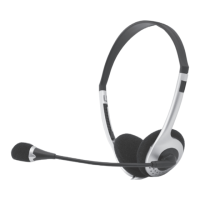
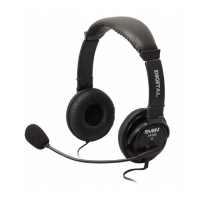
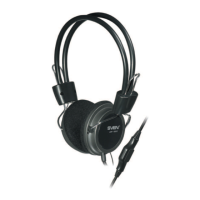
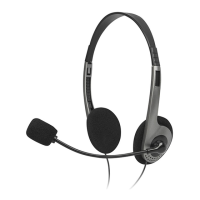
Sven AP-015MV stereo headphones with a microphone are designed for
operation with PC sound cards and other compatible systems. They can be
also used in VoIP telephony, video conferencing, multimedia applications,
interactive games, for speech recognition and learning foreign languages.
SAFETY PRECAUTIONS
• Don’t use the stereo headphones while driving.
• Don’t use the stereo headphones at high volume for a long time (more
than 15 minutes), as this may cause hearing impairment.
SPECIAL FEATURES
• 2*3.5 mm (3 pin) connector for PC
• Adjustable headband
• Flexible microphone arm
• Volume control wheel on the cable
CONNECTION AND OPERATION
• Connect the headphones connector to the audio output jack of your audio
source (PC, laptop, MP3 player), as shown in Fig. 1.
• Insert the microphone connector into the microphone input jack of your
audio source.
• Adjust the headphones volume level as desired with the volume control wheel
on the cable.
AP-015MV


 To Next Page