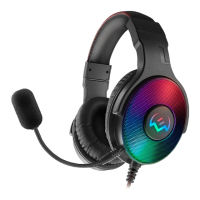
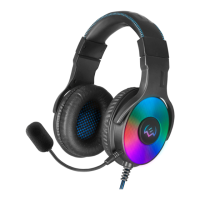
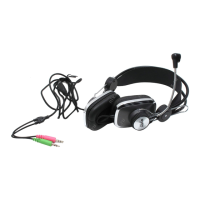
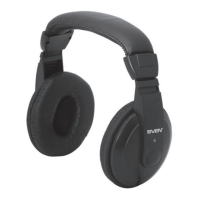
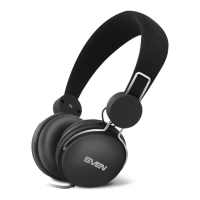
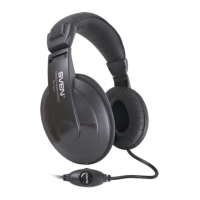
b
a
c
d
e
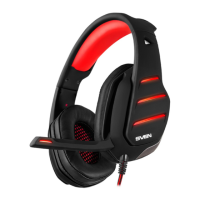
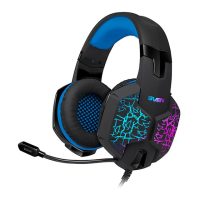
SPECIAL FEATURES
External sound card
7.1 surround sound
Optimized for professional gaming
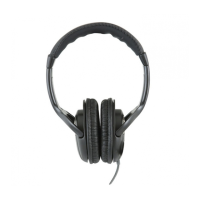
Headphones with passive noise reduction system
The highest sound quality
Non-tangling cable with fabric braid
Comfortable seating
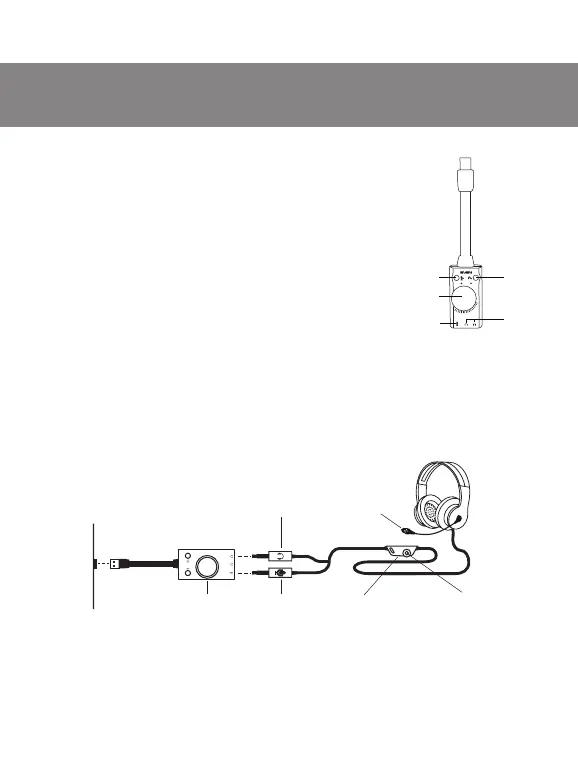
SOUND CARD
a Power switch button
b Headphone jack
c Microphone jack
d Volume control knob
e Microphone mute button
CONNECTION AND OPERATION
To use the 7.1 surround sound mode, connect the USB connector of the sound card
to the USB connector of the source (computer, laptop, etc.), and headphones to the
sound card, as shown in the diagram (Fig. 2a).
Fig. 1.
Fig. 2,a. Connection diagram
Microphone
Headphone connector
Microphone
connector
Sound card
19
AP-U990MV
ENG
Users Manual
Volume
control
On / O
microphone switch
USB
socket
type


 To Next Page