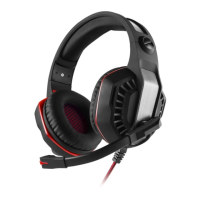
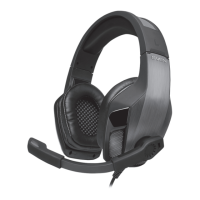
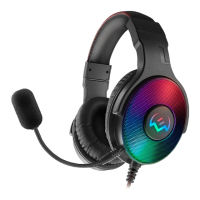
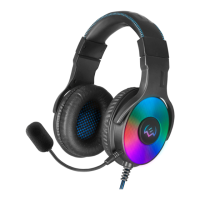
Fig. 5.
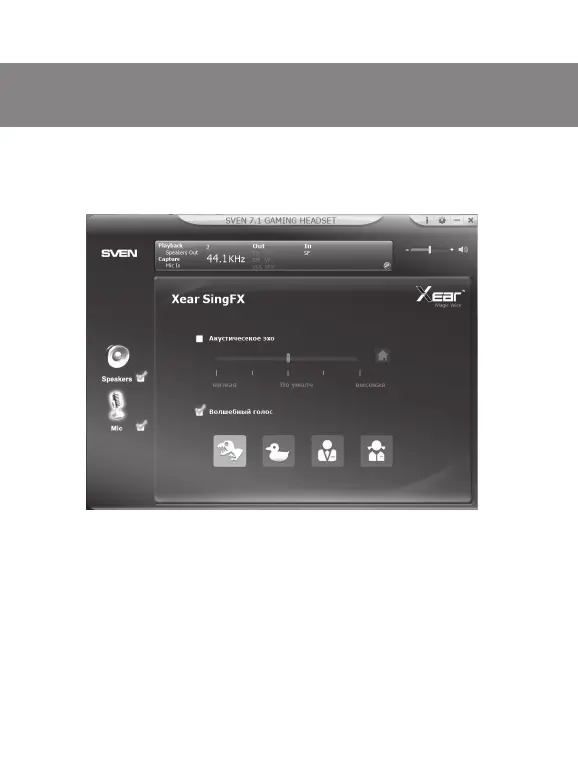
g SF Sing FX. This feature is included in the microphone settings. It includes the
eect of a delay (echo) from the microphone signal and the «magical voice» four
variants of voice changes timbre (see. Fig. 5).
To listen to the signal from the microphone, select the microphone volume screen,
there adjust the input level (slider «volume when recording»), and the monitor volume
(«Volume Control» slider) (see. Fig. 6).
By clicking on the round icon with two arrows in the lower right corner of the display at
the top of the interface, you will have access to the preset sound settings with the ability
to save custom settings (prole) (see. Fig. 7).
ENG
23
Users Manual
AP-U990MV


 To Next Page
 Loading...