ENG
4
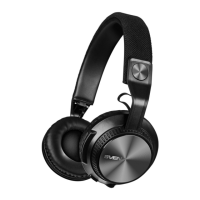
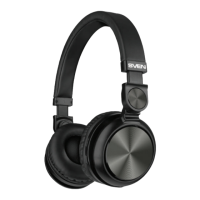
Wireless Stereo Headphones
with Microphone
Headset to a device interfacing
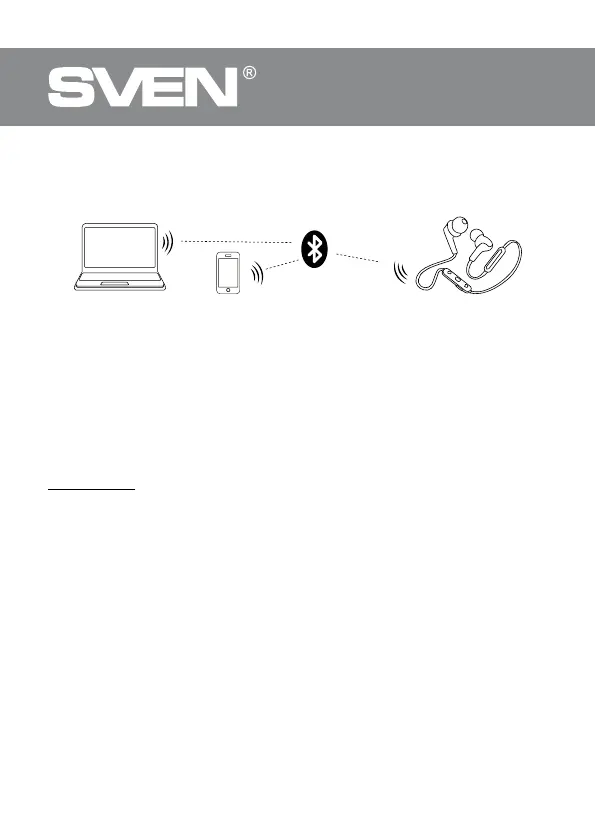
• It is necessary rst to interconnect the device with a signal source (see the connection dia-
gram in Fig. 2) to transfer signals via Bluetooth. To do this, turn on the headset, wait forstart-
ing the search mode — the LED indicator c will alternate blue light with red one.
• It is necessary to select the search mode of de vices with Bluetooth on a signal source (tele-
phone, notebook, smartphone, etc.). “SVEN E-245B” massage will be displayed on the screen,
which is to be connected to*.
• If connection is successful, there will be a short beep signal in the headphones; thesearch
mode indication on the headphones is over. If no devices is connected, headphones
willturned o automatically in 2 minutes. If the device interfacing has, been failed, it is neces
-
sary to switch the system in the search mode once more (turn o and on)**.
• The indicator c on the headphones blinks blue short during the data exchange (listening
music) with a device connected via Bluetooth.
* You might have to enter “0000” code to connect some models of devices via Bluetooth.
** If the item has been already registered in the device list of a source, then the second search
mode activation is not obligatory. Choose only the item name “SVEN E-245B” and the“con
-
nect” command on the source.
Fig. 2. Connection diagram
Mobile device
PC
Headphones


 To Next Page