EasyManua.ls Logo

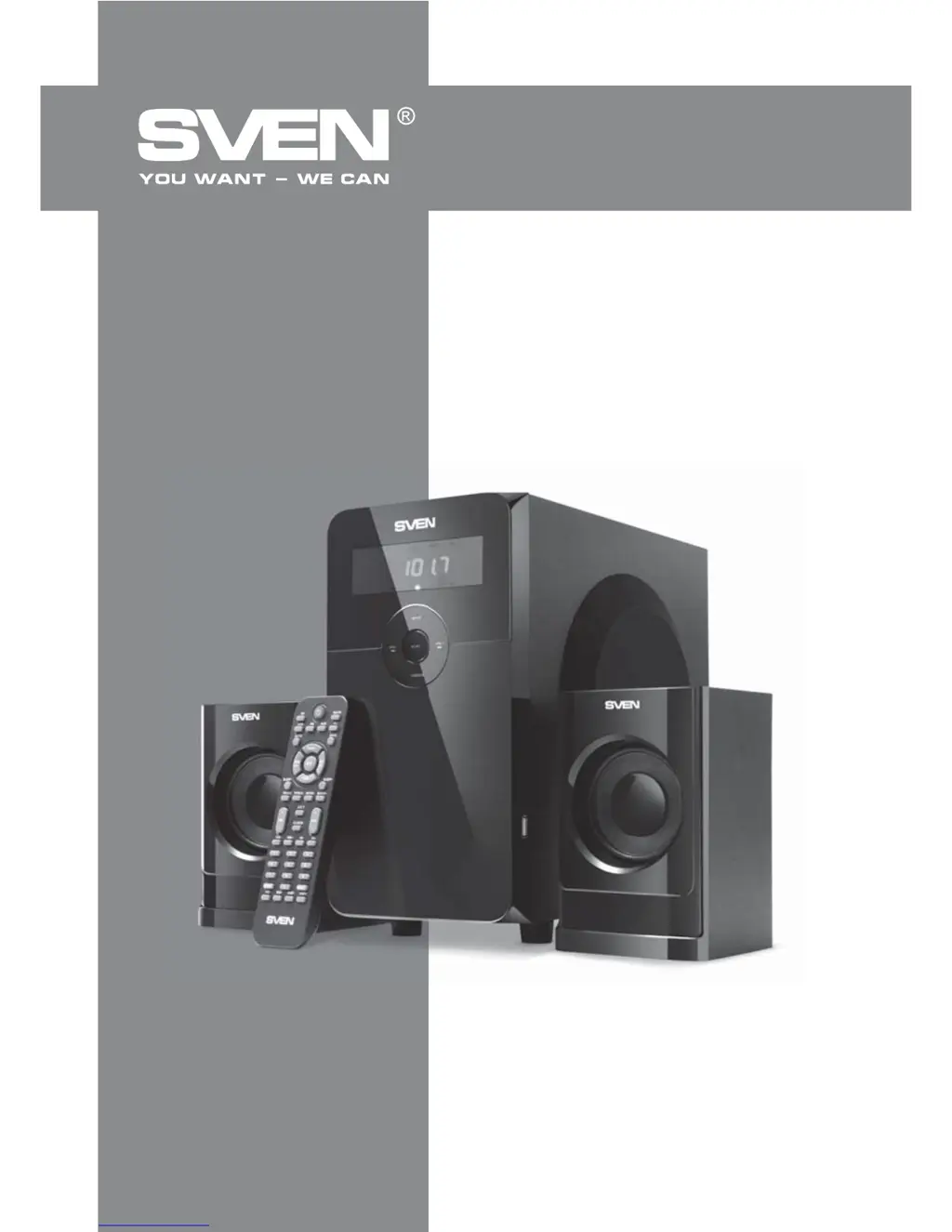
Sven MS-2000 - User Manual

Sven MS-2000
10 pages
Print Icon
To Next Page IconTo Next Page
Loading...
www.sven.
OPERATION
MANUAL
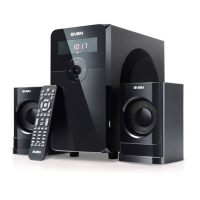
2.1 Hi-Fi Multimedia
Speaker System
MS-2000

Questions and Answers

  • R
    Rebecca HullAug 1, 2025
    What to do if my Sven Stereo System has no sound?
    • J
      John BridgesAug 1, 2025
      If your Sven Stereo System isn't producing any sound, or the sound is very quiet, there are a couple of things to check: * First, make sure the volume isn't set to the minimum. Adjust the volume control knob to increase the sound. * Second, check that the audio source is properly connected. Incorrect connections can lead to no sound.
  • O
    oliviajensenAug 8, 2025
    Why is my Sven MS-2000 remote control not working?
    • T
      thomas23Aug 8, 2025
      If the remote control for your Sven Stereo System isn't working, the most likely cause is discharged batteries. Replace the batteries with new ones to resolve this issue.
  • P
    patriciaellisAug 17, 2025
    How to fix a Sven MS-2000 Stereo System that does not turn on?
    • K
      Kayla TorresAug 17, 2025
      If your Sven Stereo System isn't turning on, consider these possible causes: * Ensure the system is properly connected to a mains outlet. Check the connection. * Verify that the power switch is turned on. Turn on the switch if it is off.
  • A
    Ashley SchmidtAug 25, 2025
    What to do if my Sven MS-2000 sound is distorted?
    • D
      dbryanAug 25, 2025
      If you're experiencing sound distortion with your Sven Stereo System, it's likely due to a large amplitude of the input signal. Try turning down the source volume and the MSS volume to reduce the distortion.

Summary

Buyer Recommendations

Initial Setup and Acclimatization

Unpack carefully, check for damage, verify warranty, and acclimatize the system to room temperature.

Package Contents

List of Included Items

Details all components provided in the package, including the subwoofer, satellites, and accessories.

Safety Precautions

Electrical and Operational Safety

Essential warnings to prevent electric shock, damage, and ensure safe usage, including handling high voltage.

Technical Description

System Features Overview

Highlights the system's design, compatibility, built-in FM radio, audio player, and clock functionality.

Preparation and Operation

Speaker Placement Guidelines

Advice on positioning speakers symmetrically for optimal sound and avoiding potential distortion from nearby devices.

System Connection and Initial Setup

Step-by-step instructions for connecting speakers and audio sources to the subwoofer for initial use.

Operation Modes

Player Mode Functionality

Details on operating the system in Player mode, including USB/SD card playback and track selection.

Tuner Mode Operation

Instructions for using the FM radio, covering auto-scan, manual tuning, and station saving.

AUX;PC and Clock Modes

How to select AUX/PC inputs and manage clock settings while in Standby mode.

Standby and Mute Modes

Procedures for entering/exiting Standby mode and using the Mute function for audio control.

Troubleshooting

Problem Resolution Guide

Solutions for common issues like no power, quiet sound, distortion, or remote control malfunctions.

Technical Specifications

System Performance Data

A table outlining key technical parameters such as output power, frequency response, dimensions, and weight.

Sven MS-2000 Specifications

General IconGeneral
BrandSven
ModelMS-2000
CategoryStereo System
LanguageEnglish

Related product manuals