ENG
13
Users Manual
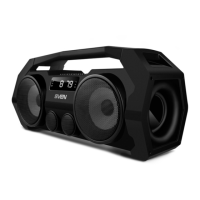
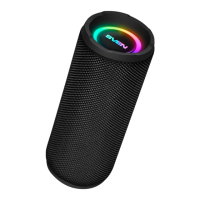
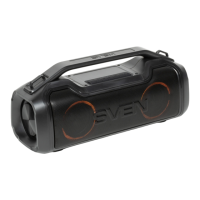
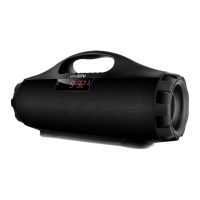
PS-460
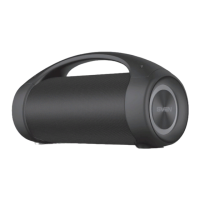
PS-470
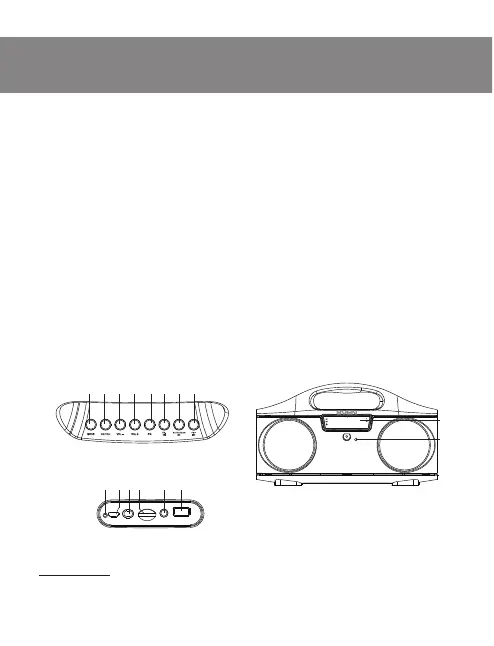
Speaker system description
a MODE: switching modes button: Bluetooth/Radio / Player/LINE IN
b REP/CH: Repeat mode (in Player mode); Switch the mode button between stations or
frequency!(in Radio mode)
c VOL-: volume decrease!button
d!VOL+: volume increase!button
e!EQ: EQ mode switch button!
f!Previous track (short pressing!in Player and Bluetooth mode); Navigation on the track!
(long pressing!in Player and Bluetooth mode); Previous track/station (in Radio mode)
g!Play/Pause button (in Player and Bluetooth mode); Start/Stop auto scan (long pressing!
in!Radio mode); Mute (short pressing!in Radio mode)
h!Next track (short pressing!in Player and Bluetooth mode); Navigation on the track (long
pressing!in Player and Bluetooth mode); Next track/station (in Radio mode)
i!Dislpey
j!Microphone
k!Indicator!
l!DC 5V: micro USB jack for charger connecting, the USB port of laptop / PC
m!ON/OFF: !POWER button
n!TF CARD: micro SD card slot!
o!AUX: 3.5 mm mini-jack for audio signal connecting (phone, MP3 player, etc.)
p!USB: USB-ash card slot!
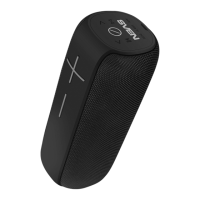
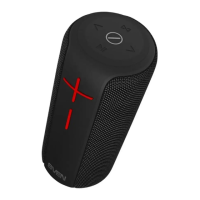
Fig. 1. PS-460 speaker
system description*
a
b c d e f hg
* PS-470 speaker front control panel is identical to the model PS-460
Fig. 2. PS-460 front view*
MP3
j
i
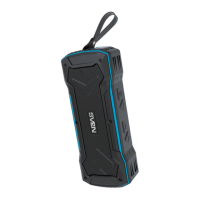
Fig. 3. PS-460 rear panel*
DC 5V
ON OFF
USB
AUX
TF CARD
lmn o pk


 To Next Page