9
EN
HELP AND RESOURCES
Have questions?
We’re here to help! Visit the Swann Help Center at support.swann.com. You can obtain dedicated
technical support for your product, find troubleshooting articles, participate in the community
forums, and more. You can also email us at any time for information and advice at: tech@swann.com
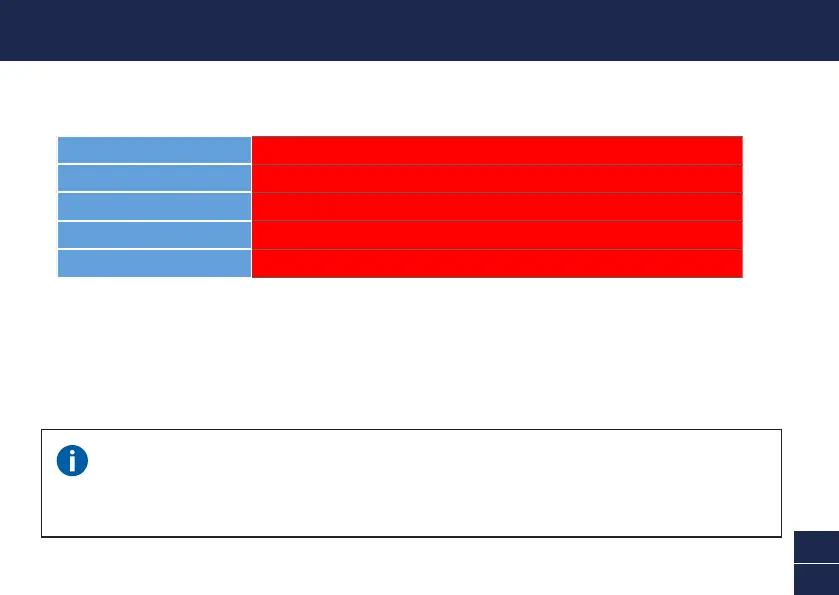
LED indicator guide
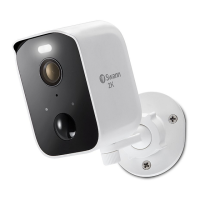
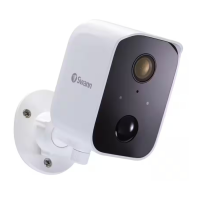
The LED light on the front of your camera helps inform you of what is happening with the device.
Rebooting the camera
On rare occasions, it might be necessary to reboot your camera if it becomes unresponsive. A simple
reboot can also fix connectivity issues quickly. To reboot the camera, open the rubber cap on the
bottom of the camera, slide the ON/OFF switch to the OFF position, wait for 60 seconds, then slide the
ON/OFF switch back to the ON position.
Solid Blue USB charging
Solid Red Live streaming / Motion recording
Slow Blinking Blue Wi-Fi Pairing mode
Fast Blinking Blue Connecting to Wi-Fi
Infrared LEDs Blinking Firmware update in progress





 To Next Page