EasyManua.ls Logo

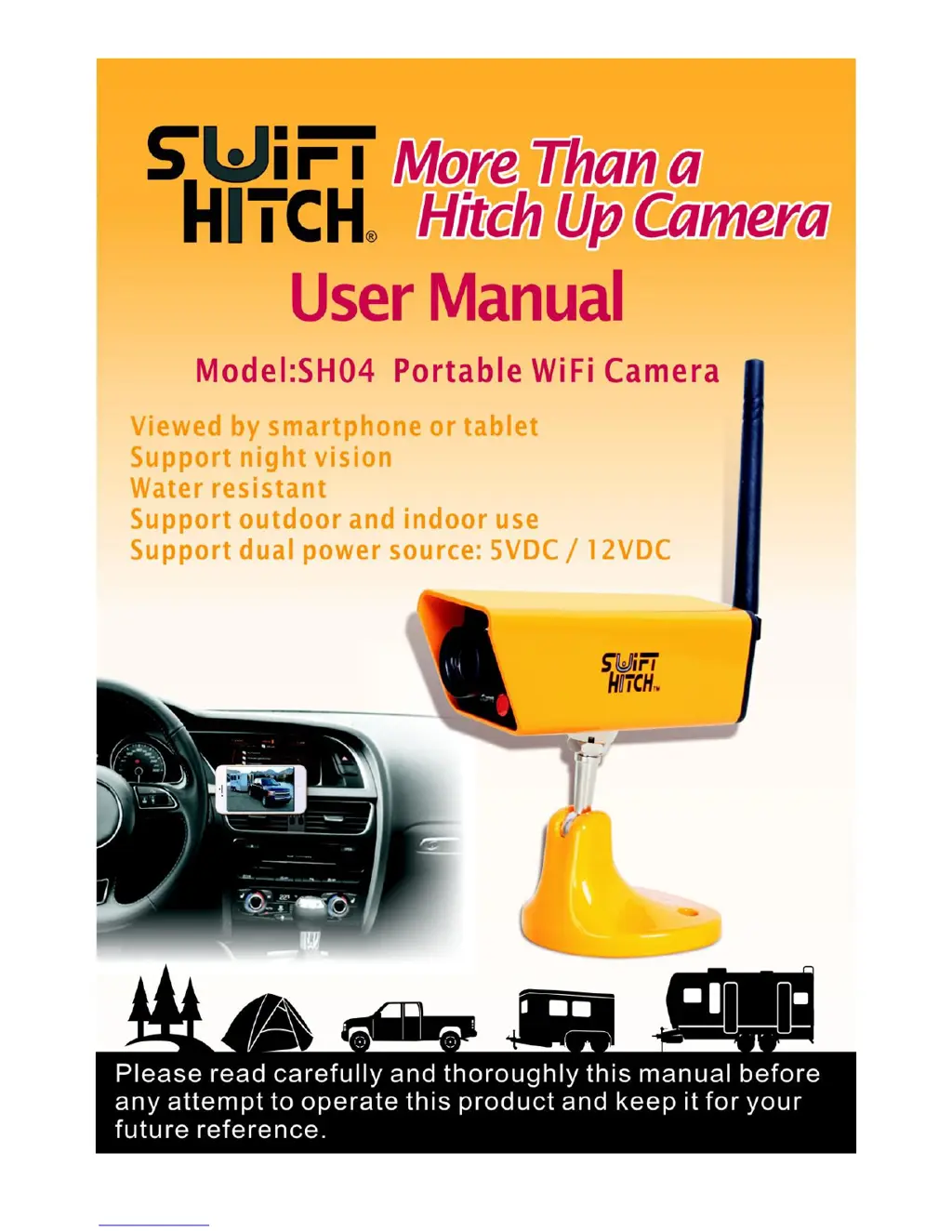
Swift Hitch SH04 - User Manual

Swift Hitch SH04
22 pages
Print Icon
To Next Page IconTo Next Page
Loading...

Questions and Answers

  • T
    Tanner MyersJul 28, 2025
    What to do if Swift Hitch SH04 Security Camera can't switch from AP mode to STA mode?
    • B
      Brian GibsonJul 28, 2025
      If your Swift Hitch Security Camera is unable to switch from AP mode to STA mode, please verify the following: ensure the camera is powered on, check that the camera antenna is properly installed, confirm that your router is functioning correctly and can be connected to, and double-check that you've selected the correct router SSID and entered the correct password in the app. If the router isn't working, fix the router problem. If you have not selected the correct router SSID or input the right password in the app, correct it.
  • R
    Ronald NguyenAug 2, 2025
    Why my smartphone can't find Swift Hitch SH04 Security Camera WiFi access point in AP mode?
    • J
      justingrossAug 2, 2025
      If your smartphone or tablet cannot find the Swift Hitch Security Camera's WiFi access point under AP mode, make sure the camera antenna is installed. Also, check if any obstacles are blocking the signal. The normal distance is 200 feet without obstacles.
  • M
    msmithAug 8, 2025
    What to do if the red charging LED is not on when charging Swift Hitch Security Camera?
    • A
      Andrew CooperAug 8, 2025
      If the red charging LED on the rear of the Swift Hitch Security Camera is not on when charging the battery, check if the camera is powered on. If the camera is on, the built-in battery may not be working. Please call Swift Hitch technical support.
  • J
    Jeffrey YoungAug 14, 2025
    Why red charging LED on Swift Hitch SH04 stays on after 6 hours?
    • A
      Adrienne SingletonAug 14, 2025
      If the red charging LED does not turn off after the expected 5 to 6 hours, the built-in battery can no longer hold a charge. Please call Swift Hitch technical support.
  • J
    Jonathan PopeAug 20, 2025
    How to find Swift Hitch Security Camera app?
    • A
      Amanda MaddenAug 21, 2025
      If you can't find the app in the Google Play Store or App Store, check if you have spelled the app name correctly as “swift wifi cam”.

Summary

HOW TO USE

Charging the Camera

Explains the three distinct methods for charging the camera's internal battery.

Download Swift Wifi Cam App

Guides users on how to locate and download the required mobile application.

Powering On the Camera

Details the simple procedure for turning the camera unit on for operation.

Linking Camera - Step 1

Initiates the process of connecting the camera to a smartphone via Wi-Fi.

Linking Camera - Step 2

Continues the steps for pairing the camera with the mobile device through the app interface.

Linking Camera - Step 3

Concludes the camera linking process, enabling live video streaming.

Mounting the Camera

Provides instructions on attaching the camera, including antenna connection and base adjustment.

MAIN FUNCTIONS OF CAMERA

MAIN FUNCTIONS OF APP

TROUBLE SHOOTING

Swift Hitch SH04 Specifications

General IconGeneral
BrandSwift Hitch
ModelSH04
CategorySecurity Camera
LanguageEnglish