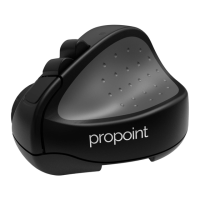
Using the Propoint
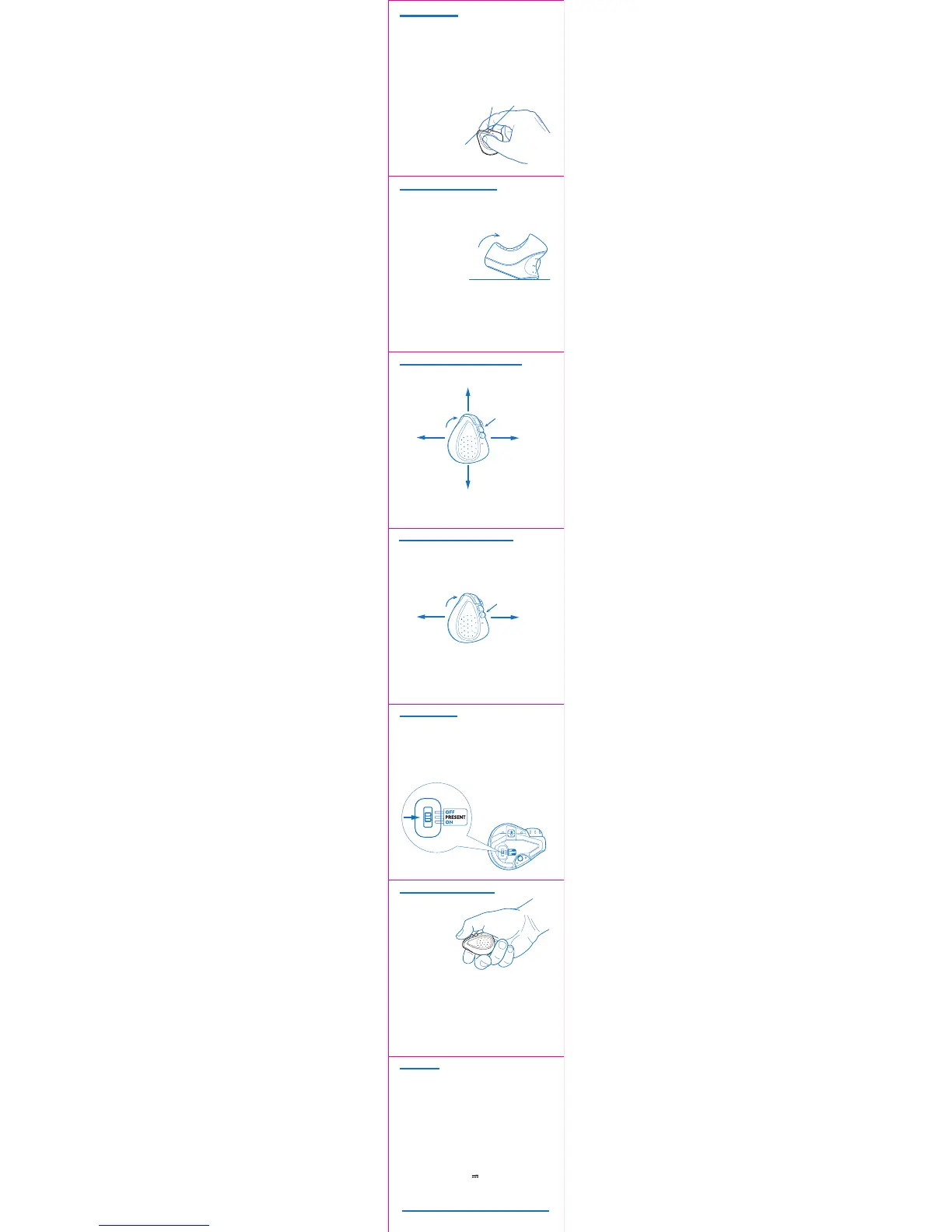
Hold the mouse with your thumb on the thumb grip and your
middle finger on the finger grip. Rest your index finger on the
front button
To right-click, move your index
finger to the center button
Use your index finger to roll
the scroll wheel
Move mouse forwards - Scroll down
Move mouse backwards - Scroll up
Swipe mouse left - Left pan
Swipe mouse right- Right pan
All tilt gestures can be reassigned using the Swiftpoint Driver for
ProPoint, to enable different functions.
Zoom In
Zoom Out
Next
Application
Previous
Application
PRESS Center ButtonTILT Mouse
Tilt
Tilt + Move Gestures Functions
Tilt + Middle Button Gesture Functions
Presentation Mode
Presentation Mode - Functions
Quick Start Guide V02 En © 2018 Swiftpoint Limited. All rights reserved.
Move the switch on the underside
of the mouse to PRESENT
Presentation mode operates with Microsoft Powerpoint and
some other presentation applications.
Open your presentation and start the show.
Advance Slides/Left Click - Tap front button
Move cursor - Press and hold front button
Previous Slide / Arrow Up - Tap middle button
Laser Point - Press and hold rear button
Drawing Mode - Press and hold middle button
Application switcher - Press and hold rear then middle
buttons
Hold the mouse
in the palm
of your hand
and use your
thumb to operate.
All tilt gestures can be reassigned using the Swiftpoint Driver for
ProPoint, to enable different functions.
Next Browser Tab
Mac - Next Window
Previous Browser
Tab
PRESS Rear Button
TILT Mouse
Tilt + Rear Button Gesture Functions
Middle click
(rear)
Move the switch on the underside of the mouse to On to
use the mouse normally.
To middle-click, move your index
finger to the rear button
Specifications
Windows 7, 8, 10 or higher
MacOS 10.4 or higher
Android 4.4 or higher
iOS 7 or higher, with compatible applications
Operating Systems
Communications
Power
Right click
(center)
Left click
(front)
To perform tilt gestures.
Tilt the mouse to the right
to engage the tilt gestures
and move the mouse
sideways, or backwards,
or forwards.
USB Wireless (2.4GHz)
Bluetooth 4.0
Li-Ion Battery 3.7V, 120mAh
Charging: USB Outlet, 5V , 130mA
Install the SWIFTPOINT CONTROL PANEL at
www.swiftpoint.com/download-propoint-drivers


 To Previous Page
 Loading...