5
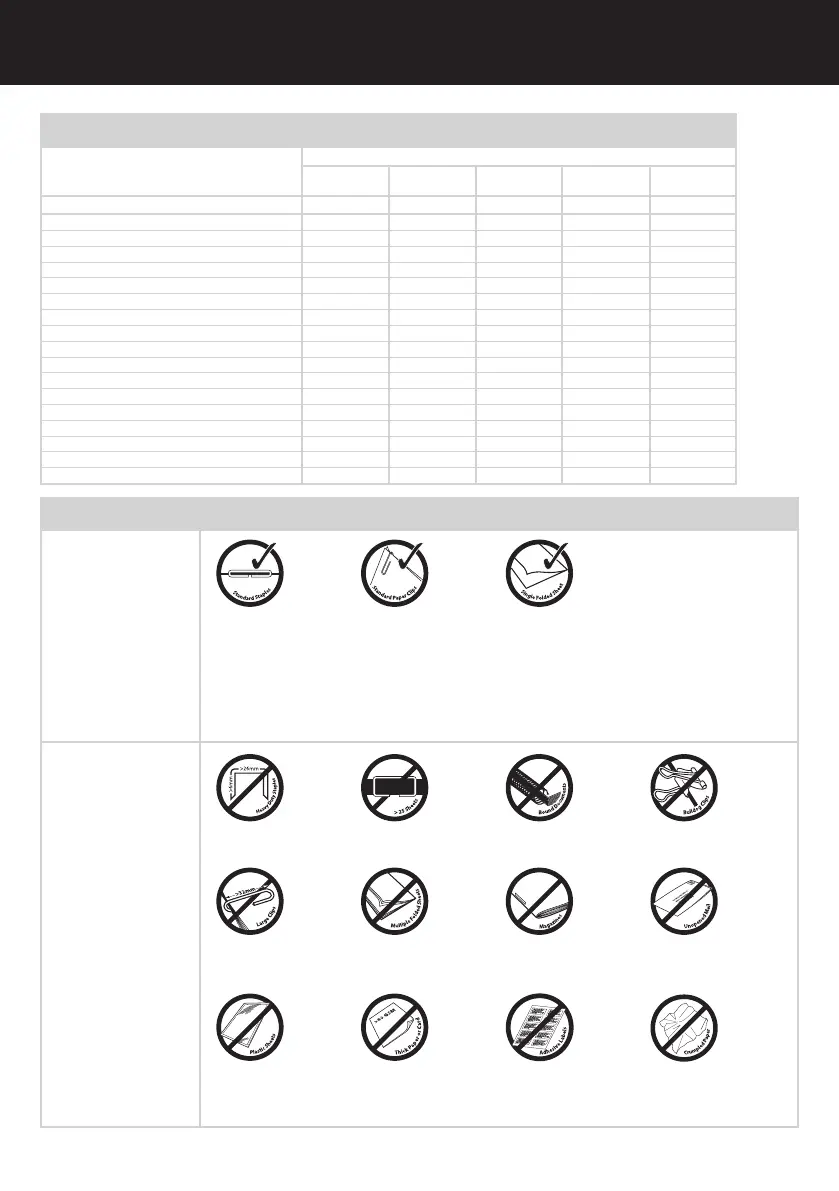
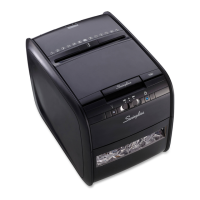
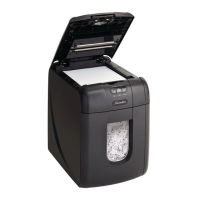
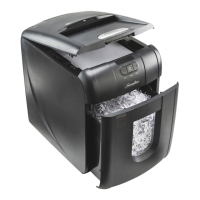
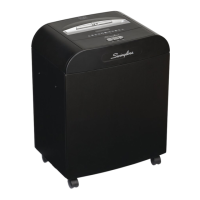
Swingline Stack-and Shred™ 175X Shredding Capability
Stack-and-Shred
175X CAN shred the
following:
Stack-and-Shred
175X CANNOT shred
the following:
Although the Stack-
and-Shred 175X will
accept fastened sheets,
Swingline recommends
that staples and paper
clips are removed and
folded paper un-folded
prior to shredding to
extend the life of the
product.
• Stapled paper
1 inch/25mm within the corner
• 26/6 or smaller staples
• Small sized paper loaded
centrally
• 175 sheets color printing
• Paper clip paper
1 inch/25mm within the corner
• Capable of shredding small/
medium (max wire thickness
= 0.9 mm) paper clips
• 175 sheets plain paper
• >27lb paper (through manual
feed slot ONLY)
• Tabloid (11 x 17”) folded in
half max. 2 sheets
• 175 sheets single sided
printed paper
• 20lb paper
- Letter - 8.5 x 11”
- Tabloid single sheet folded in
half to make Letter
• Heavy Duty Staples. Check the
staple leg length is not greater
than 1/4”.
• A document with more than
25 sheets held together by a
staple or clip.
• Bound documents • Bulldog clips
• Large clips. Check the length
of the paperclip is not longer
than 1.25”.
• Multiple folded sheets*
(e.g. Tabloid sheets folded
in half).
• Magazines or other documents
bound by multiple staples
or clips
• Unopened mail*
* We recommend you feed these types of documents through the manual feed slot. However, the Stack-
and-Shred 175X can automatically shred folded and crumpled sheets if attened out prior to loading.
• Plastic sheets, laminated
documents, plastic folders, glossy
paper or a sheet covered with
print on both sides.
• Thick paper or card • Adhesive labels • Crumpled sheets*
Illuminated Icons Explained
LED Illumination
Door Open Cool Down Paper Jam Auto Bin Full
Indicator
Colour of symbol Red Red Red Blue Red
Power ON/OFF switch OFF
Sleep mode
Power ON/OFF switch ON
Stand by
Auto mode light
Continuous jam boost mode light light
Reverse mode light light
Paper loading door open light light
Bin open light light
Motor is cooling down flash light
Paper jam light light
Paper jam clearance flash light
Too many sheets are being fed into manual feed slot light
Cutters are self-cleaning flash light
Paper loading door is locked
Autofeed operation light
Bin full light light
ProSource Packaging, Inc. - 14911 Stuebner Airline Rd. Ste. A - Houston, TX 77069
Phone: (281) 453-8801 - www.machine-solution.com


 To Next Page