
 Need help?
Do you have a question about the Swissvoice eSense and is the answer not in the manual?
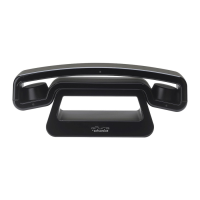
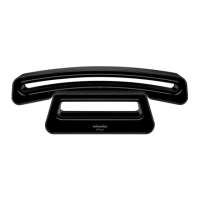
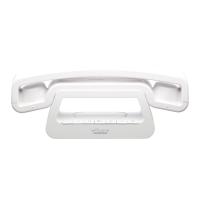
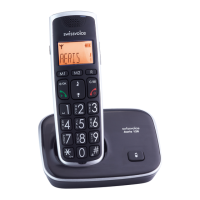
Overview of keys on the eSense handset.
Overview of keys on the eSense base station.
Advice on battery care, charging, and usage.
Step-by-step instructions for inserting the handset battery.
Instructions for connecting the phone to power and telephone line.
Basic steps for telephoning, including dialing and hanging up.
How to answer calls and end conversations.
Storing, adding, and editing contact information.
Instructions for accessing and reading incoming SMS.
Steps for composing and sending SMS messages.
Step-by-step guide to adding more handsets to the base.
Managing internal calls, call transfer, and conference calls.
 General
| Brand | Swissvoice |
|---|---|
| Model | eSense |
| Category | Cordless Telephone |
| Language | English |


 To Next Page