IP10S / IP10 user guide 21 02P182000Aen
Phone book
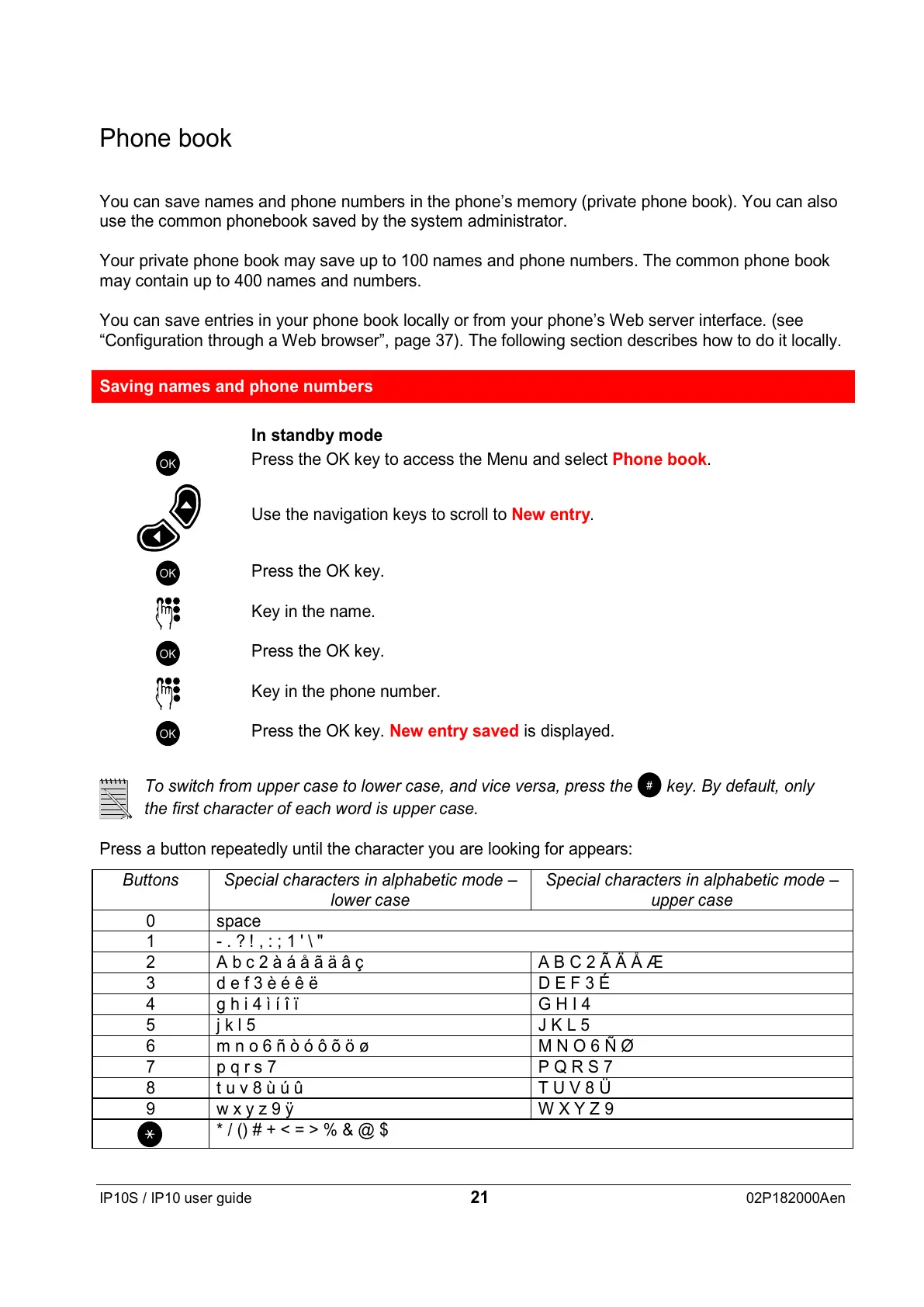
You can save names and phone numbers in the phone’s memory (private phone book). You can also
use the common phonebook saved by the system administrator.
Your private phone book may save up to 100 names and phone numbers. The common phone book
may contain up to 400 names and numbers.
You can save entries in your phone book locally or from your phone’s Web server interface. (see
“Configuration through a Web browser”, page 37). The following section describes how to do it locally.
Saving names and phone numbers
In standby mode
OK
Press the OK key to access the Menu and select Phone book.
Use the navigation keys to scroll to New entry.
OK
Press the OK key.
Key in the name.
OK
Press the OK key.
Key in the phone number.
OK
Press the OK key. New entry saved is displayed.
To switch from upper case to lower case, and vice versa, press the
#
key. By default, only
the first character of each word is upper case.
Press a button repeatedly until the character you are looking for appears:
Buttons Special characters in alphabetic mode –
lower case
Special characters in alphabetic mode –
upper case
0 space
1 -.?!,:;1'\"
2 Abc2àáåãäâç ABC2ÃÄÅÆ
3 def3èéêë DEF3É
4 ghi4ìíîï GHI4
5jkl5 JKL5
6 mno6ñòóôõöø MNO6ÑØ
7 pqrs7 PQRS7
8 tuv8ùúû TUV8Ü
9 wxyz9ÿ WXYZ9
*/()#+<=>%&@$


 To Next Page
 Loading...