EasyManua.ls Logo

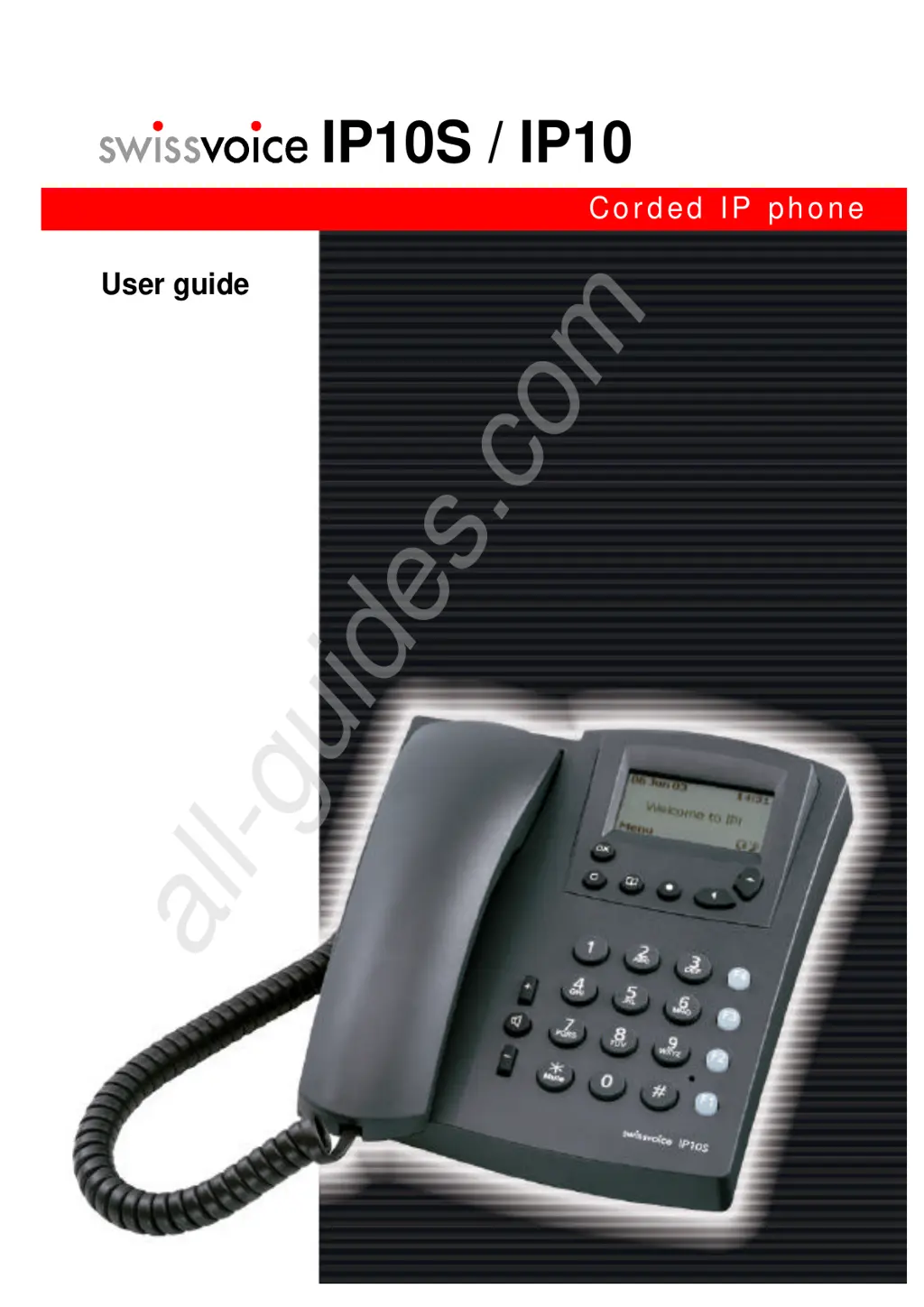
Swissvoice IP10S - User Manual

Swissvoice IP10S
43 pages
Print Icon
To Next Page IconTo Next Page
Loading...
IP10S / IP10
Corded IP phone
User guide
All manuals and user guides at all-guides.com
all-guides.com

Questions and Answers

Summary

Swissvoice IP10 S;IP10 User Guide

Safety Information

Certification and Operating Conditions

FCC compliance, operating conditions, and environmental factors for safe use.

Location and Placement

Guidelines for safe and optimal placement of the telephone.

Connection, Care, and Security

Connection and Security

Proper connection procedures and electrical safety classifications.

Care and Qualified Service

Instructions for cleaning and qualified service of the telephone.

Understanding Your Phone

Phone Introduction and Version A Keys

Overview of the IP phone features and key layouts for Version A.

Display, Audio, and Dialing Keys (Version A)

Functions of display, audio, and dialing keys for Version A.

Version B Key Layout

Description of the alternative keypad layout for Version B.

Scrolling, Audio, and Dialing Keys (Version B)

Explanation of scrolling, audio, and dialing keys for Version B.

Phone Status Indicators

Understanding status indicators and icons on the phone display.

Getting Started

Package Contents and Installation

Unpacking the phone and initial physical setup instructions.

Wall Mounting Option

Instructions for mounting the telephone on a wall.

Core Call Functions

Making Calls

Procedures for initiating and answering calls using various methods.

Speed Dialing and Call Lists

Using speed dial, redial, and call history for efficient calling.

Answering and Managing Calls

Answering calls, using headsets, and handling call waiting.

Call Options During Conversation

Features like speakerphone, mute, and volume control during calls.

Advanced Telephony Services

Services During a Call

Using services like enquiry calls and brokering during an active call.

Call Transfer and Conference

Procedures for transferring calls and setting up conference calls.

Voice Mail and Do Not Disturb

Accessing voicemail and managing the Do Not Disturb feature.

Call Forwarding Management

Configuring and deactivating call forwarding options.

Phone Book Management

Saving Contacts

Steps for entering and saving new contacts in the phone book.

Searching and Scrolling Phone Book

Methods for finding and navigating through phone book entries.

Modifying and Erasing Contacts

Procedures for editing and deleting contacts from the phone book.

Memory Keys and Call Lists

Saving and Configuring Memory Keys

How to save numbers and functions to memory keys.

Speed Dialing with Memory Keys

Using memory keys for speed dialing and activating saved functions.

Managing Call Lists

Viewing and managing call history and unanswered calls.

Erasing Call Lists

Steps to clear call history entries from the phone.

Menu Navigation and Customization

Accessing Phone Menus

How to navigate through the phone's menu system.

List of Menu Functions

An overview of available menu functions and their structure.

Administrator Settings and Clock

Accessing administrator settings and clock configuration.

Configuring User Ringing Tones

Customizing ring melodies, volume, and rhythm for calls.

Display and Language Settings

Setting the phone's display language and customizing idle screen text.

Display Contrast and Headset Settings

Adjusting display contrast and enabling headset functionality.

Voice Mail and Password Configuration

Setting the voice mail number and changing the user password.

Resetting and Alarm Settings

Restoring settings and configuring the alarm clock function.

Clock and Date Configuration

Manually setting the time, date, and their formats.

Viewing Administrator Parameters

Displaying network and technical parameters set by the administrator.

Configuring via Web Browser

Web Browser Setup

Prerequisites and steps to connect to the phone's web server.

Web Interface Overview and Language

Navigating the web interface and changing its display language.

Phone Parameters and User Settings

Viewing technical parameters and configuring user settings via web.

Web User Login and Ring Tones

Setting user credentials and customizing ringtones through the web interface.

Web Alarm, Logo, and Phone Book

Configuring alarms, logos, and managing contacts via the web interface.

Appendix

Troubleshooting Common Issues

Table of problems, possible causes, and remedies for phone malfunctions.

Warranty Conditions

Details regarding the product guarantee and coverage terms.

Regulatory Compliance

Statements of compliance with European Union directives and safety standards.

Swissvoice IP10S Specifications

General IconGeneral
Wall MountableYes
Audio CodecsG.711, G.726, G.729
Power SupplyPower over Ethernet (PoE) or AC adapter
FeaturesCall transfer, Call waiting, Mute, Redial
ProtocolsSIP