Step 4: Calibration
After you have added and installed SwitchBot Curtain U Rail 3, you
will need to calibrate your device to set its route on your curtain
track. Please follow the instructions in our app to make sure that
the actual movement of your curtain is the same as the animation
in the app. You can choose to recalibrate your device or change its
opening direction whenever you want by navigating to Curtain >
Settings > Calibration.
Please note: You can group two SwitchBot Curtain U Rail 3 devices together
should you plan to open your curtains from the middle. Before you calibrate,
please make sure the positions of both devices are the same as shown in
our app.
Control Methods
App Control
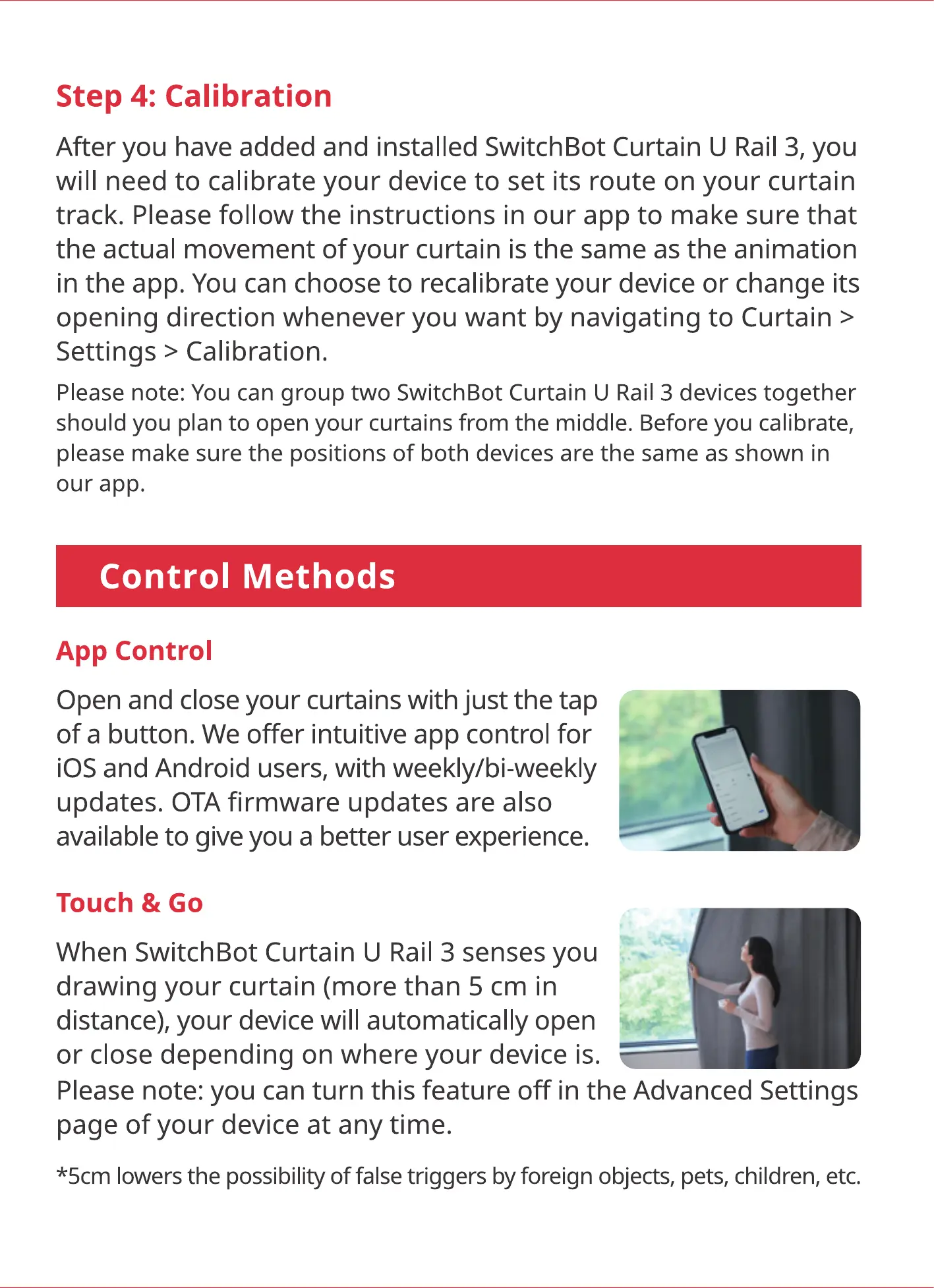
Open and close your curtains with just the tap
of a button. We offer intuitive app control for
iOS and Android users, with weekly/bi-weekly
updates. OTA firmware updates are also
available to give you a better user experience.
Touch & Go
When SwitchBot Curtain U Rail 3 senses you
drawing your curtain (more than 5 cm in
distance), your device will automatically open
or close depending on where your device is.
Please note: you can turn this feature off in the Advanced Settings
page of your device at any time.
*5cm lowers the possibility of false triggers by foreign objects, pets, children, etc.



 To Next Page