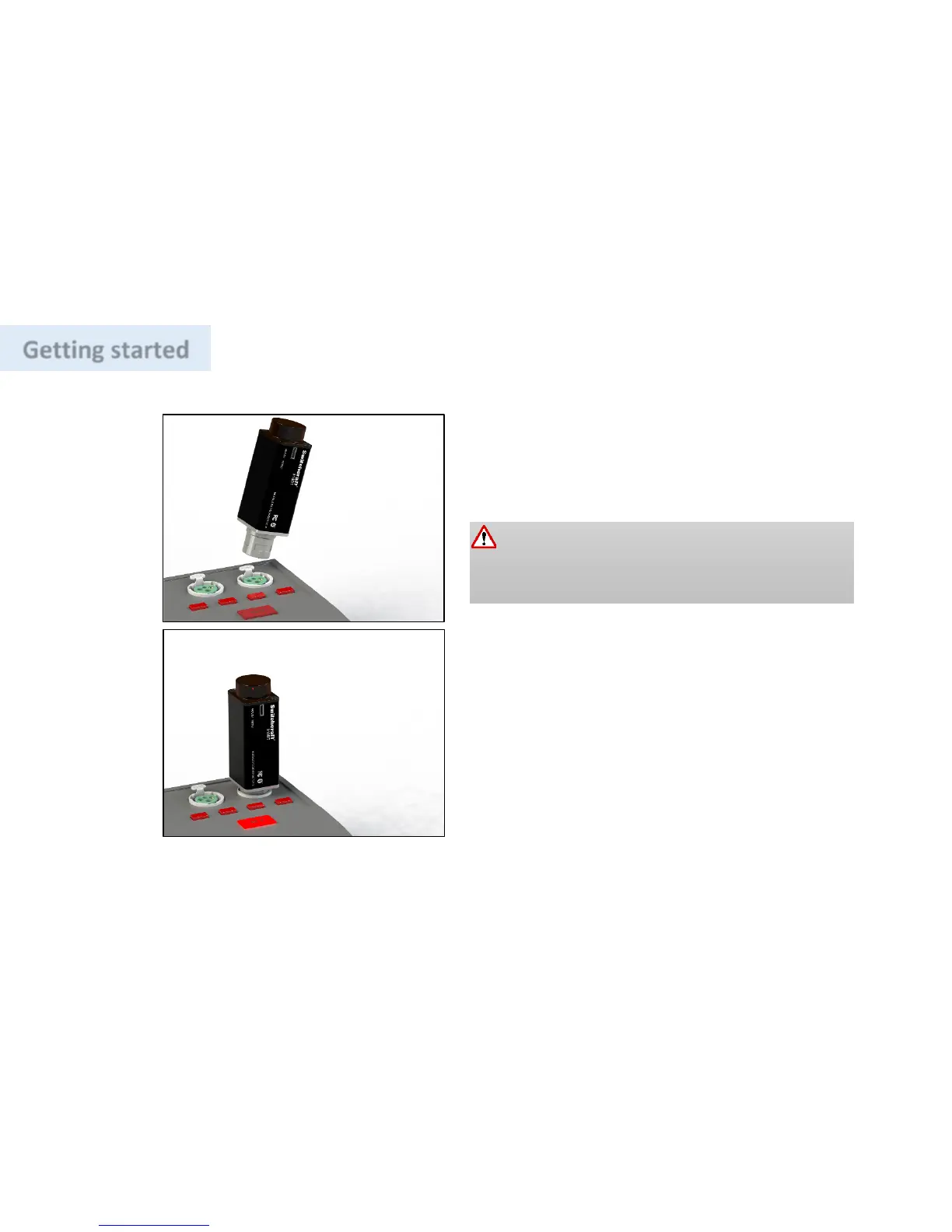
input (MIC Level), but before connecting; it is a good
practice to ensure the Phantom Power is turned OFF
on the input jack where 318BT is to be connected.
Phantom Power supply, a red LED will start to blink,
allow red LED to blink for 30 seconds before
connecting a device.
Inserting
318BT while the Phantom Power is ON
may
trigger a protection circuit that turns OFF the
318BT for 60 seconds, please see the troubleshooting
section.
Connecting 318BT for the first time


 To Next Page