2
• The Primary Marker should be worn around the neck,
squared central on your chest using the Neck Lanyard or
clipped to your shirt using the Lanyard Clip (see photos
below)
• Avoid interference with ID Badges, necklaces, other mi-
crophones, etc.
Recording Environment Essentials
Tip: Velcro or tape Secondary Markers to
tables to avoid students knocking them down
or removing them from the environment.
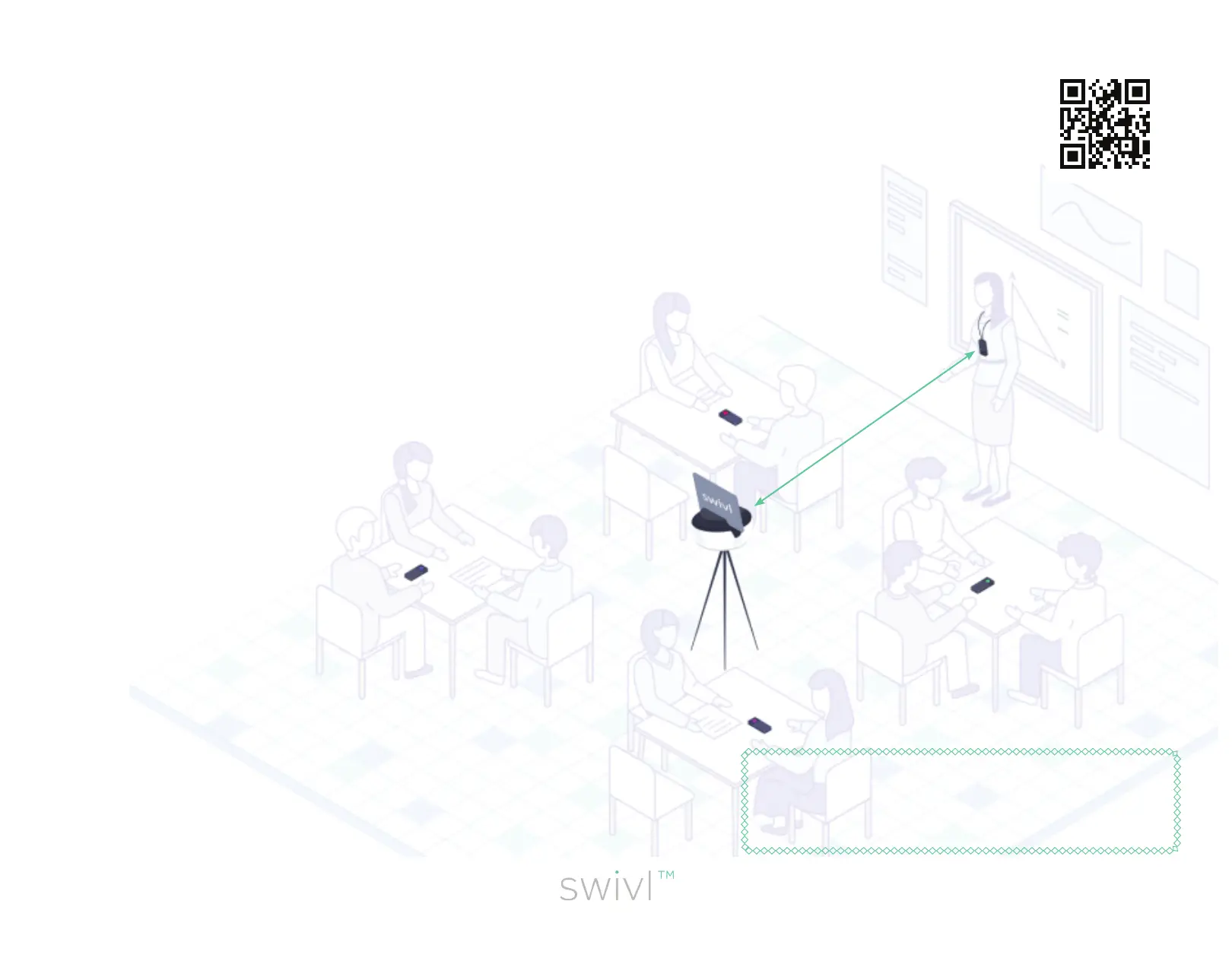
• Place Secondary Markers in student groups, roughly three
feet apart from each other to minimize audio interference.
Make sure all markers are turned on and remain on for the
entire recording.
• Place the robot centrally in the room, at a height where the
infrared signal on the robot can “see” the Primary marker
on you. Press center button to pause tracking (recording
continues) if certain students do not consent to lming.
• Never place the robot too close to a wall or whiteboard.
(Want to capture your presentation? Use Swivl Screencast-
ing instead)
• Never mount the robot on an unstable surface such as a
podium, slanted desk, or bookshelf. Use the Floor Stand or
your own tripod at all times.
Scan me to watch
the video tutorial!


 To Next Page
 Loading...