3
Scan me to watch
the video tutorial!
Recording Environment Essentials
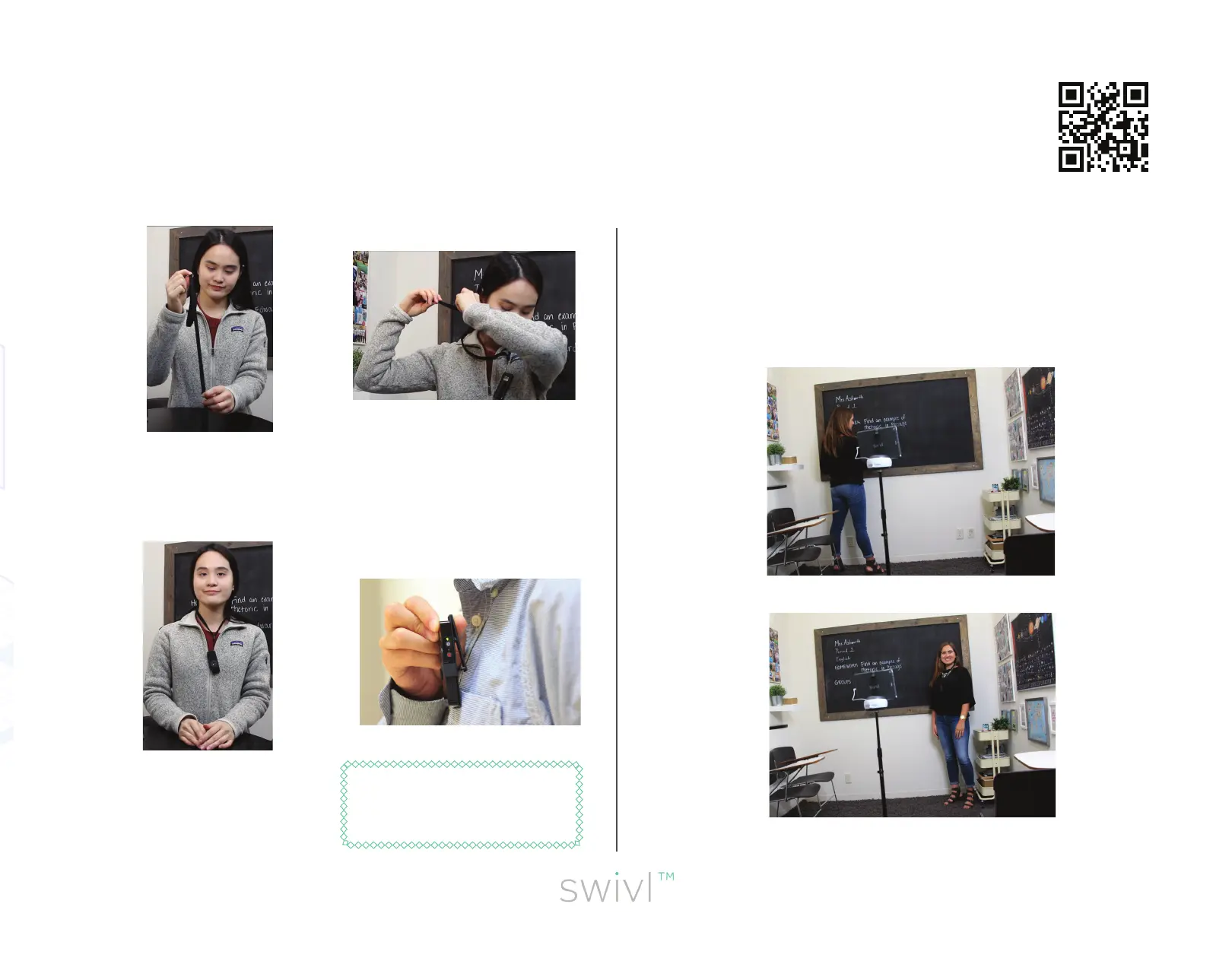
1. Find the lanyard
adjustment slider.
2. Place the lanyard
around your neck
and adjust the slider
around in the back.
3. Check yourself
out! The lanyard
should be central
on your chest.
Tip:Alternatively, attach the
Lanyard Clip to your shirt
high on the lapel or pocket.
When you turn your back to the robot, the infrared signal may
“lose you.” If this happens, simply face your body toward the
infrared on the robot for a moment to re-establish tracking
and then proceed with movement.



 To Next Page