Swivl User Guide
13
The Benets of Swivl Cloud
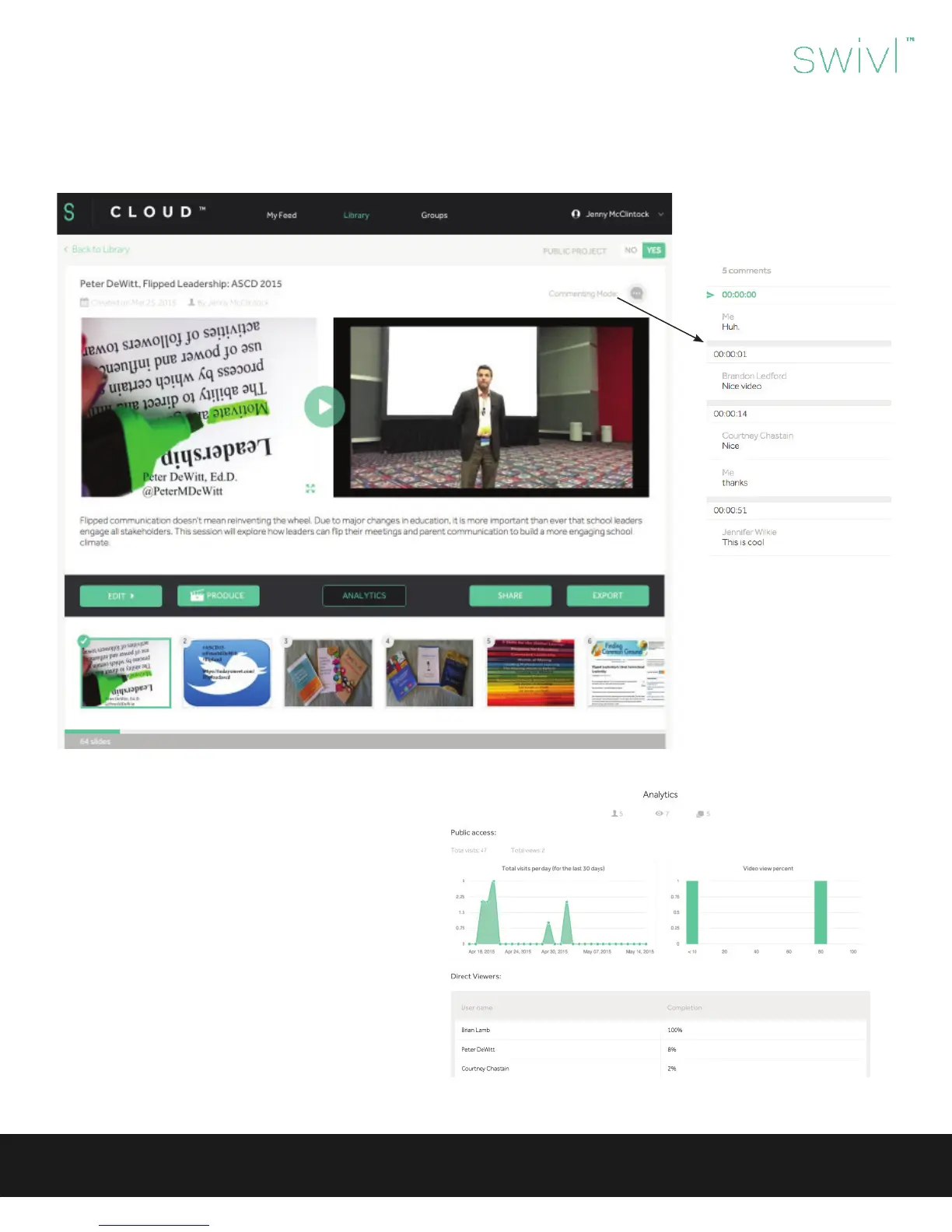
When projects are shared through Swivl Cloud, viewers are able to jump through the video by clicking on the slides. Viewers are
also able to comment on the video.
Because comments are time
stamped with the appropriate
time from the video, users are
able to dialogue and ask ques-
tions about the video.
Commenting is great for
teacher reection, student
discussion and guided learning.
When projects are shared, the owner has the ability to
see viewing analytics including:
• Total visits and views
• Visits per day
• Percentage the video viewed
• Names of viewers and what percentage of the video
was watched (users with a Swivl Cloud account)
Analytics


 To Next Page
 Loading...