Operating Instructions
www.snopakebrands.com
2
AUTO button Status To proceed
Blue light Auto Mode
Shredder will operate automatically once paper is inserted into
the paper feed
Flashing
Blue light
(waste bin in place)
Bin Full Waste bin is full and requires emptying
Flashing
Blue light
(waste bin not in place)
Bin removed
Safety Cut out activated - ensure the waste bin has been
inserted fully
Red light Overheated
Thermal Safety Cut Out activated - allow the shredder to cool
down for approx. 9 minutes before resuming operation
Flashing
Red light Overloaded
Overload Protection activated - safely remove the excess paper
from the paper feed
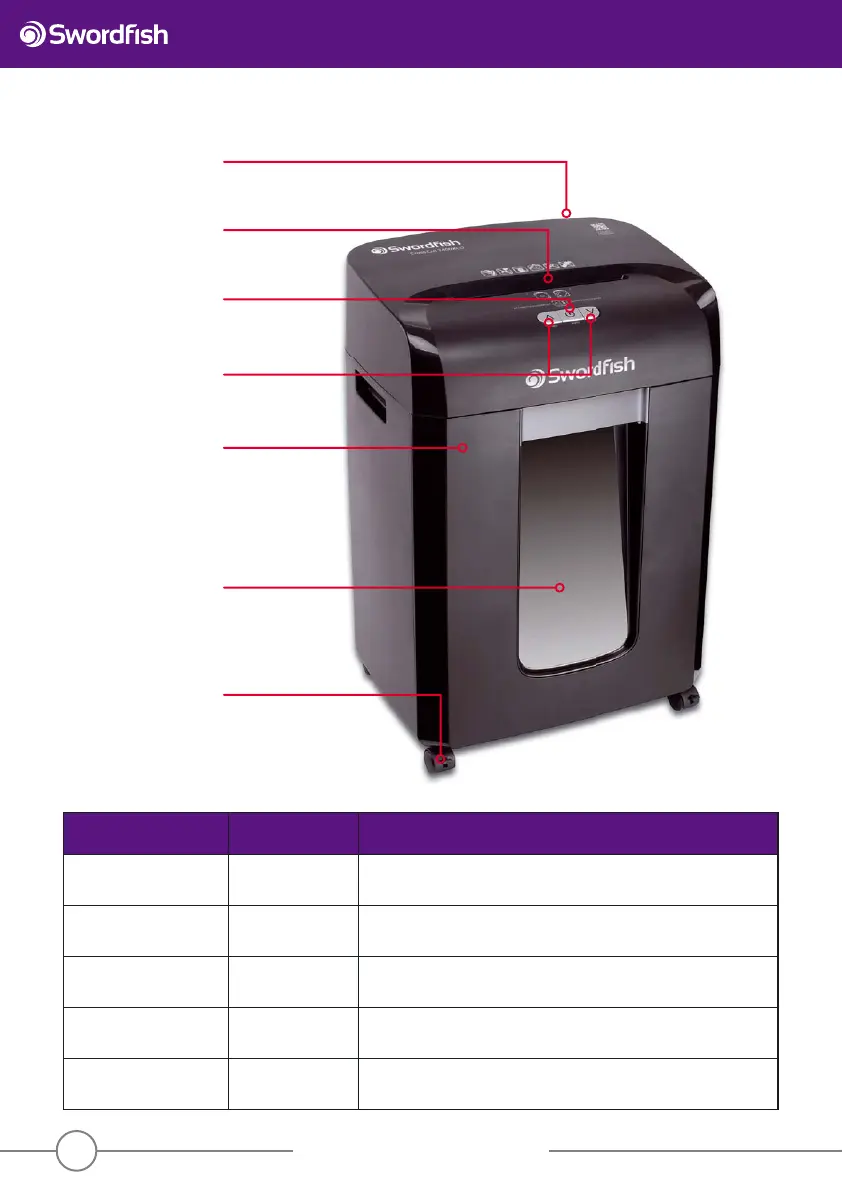
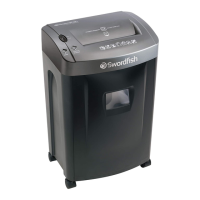
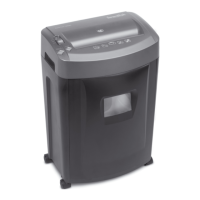
Auto button
& indicators
(see table below)
Forward and Reverse
controls
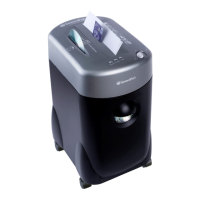
30 litre waste bin
4 castors for easy
mobility
Master On/O switch -
located on the back
of the machine
Feed slot for paper,
CDs/DVDs and single
credit cards
Paper DIN Security
level P-4, 4x35mm
cross-cut shred, CD/
DVD DIN Security
level O-3



 To Next Page