EasyManua.ls Logo

Syba SD-PEX50055 - Page 3

Syba SD-PEX50055
3 pages
Print Icon
To Previous Page IconTo Previous Page
Loading...
2.
Goto
the
driver
folder
D:\Etron\ChargenEJ168\
3.
Double
click
on
“EtronCharger.exe”
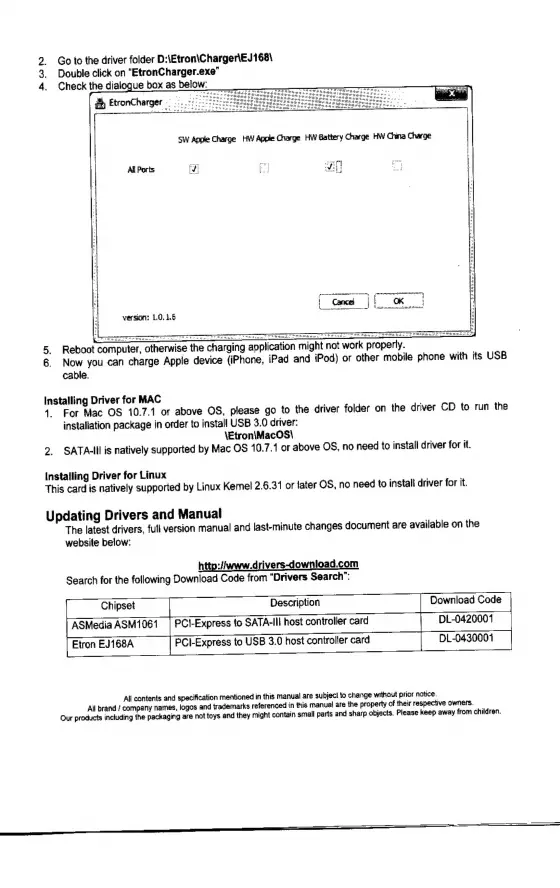
4.
Check
the
dialogue
box
as
below:
ee
version;
1.0.1.6
5.
Reboot
computer,
otherwise
the
charging
application
might
not
work
properly.
=
6.
Now
you
can
charge
Apple
device
(iPhone,
iPad
and
iPod)
or
other
mobile
phone
with
its
USB
cable.
Installing
Driver
for
MAC
4.
For
Mac
OS
10.7.1
or
above
OS,
please
go
to
the
driver
folder
on
the
driver
CD
to
run
the
installation
package
in
order
to
install
USB
3.0
driver:
\Etron\iMacOS\
2.
SATA-II
is
natively
supported
by
Mac
OS
10.7.1
or
above
OS,
no
need
to
install
driver
for
it.
Installing
Driver
for
Linux
This
card
is
natively
supported
by
Linux
Kernel
2.6.31
or
later
OS,
no
need
to
install
driver
for
it.
Updating
Drivers
and
Manual
The
latest
drivers,
full
version
manual
and
last-minute
changes
document
are
available
on
the
website
below:
http:/iwww.drivers-download.com
Search
for
the
following
Download
Code
from
“Drivers
Search”:
ASMedia
ASM1061
|
PCI-Express
to
SATA-II
host
controller
card
DL-0420001
Etron
EJ168A
PCI-Express
to
USB
3.0
host
controller
card
DL-0430001
Ali
contents
and
specification
mentioned
in
this
manual
are
subject
to
change
without
prior
notice.
All
brand
/
company
names,
logos
and
trademarks
referenced
in
this
manual
are
the
property
of
their
respective
owners.
Our
products
including
the
packaging
are
not
toys
and
they
might
contain
small
parts
and
sharp
objects.
Please
keep
away
from
children.