EasyManua.ls Logo

Sylvania 6842THG - User Manual

Sylvania 6842THG
78 pages
Print Icon
To Next Page IconTo Next Page
Loading...
TO RECEIVE DIGITAL/ANALOG SIGNAL,
YOU MUST CONNECT ANTENNA.
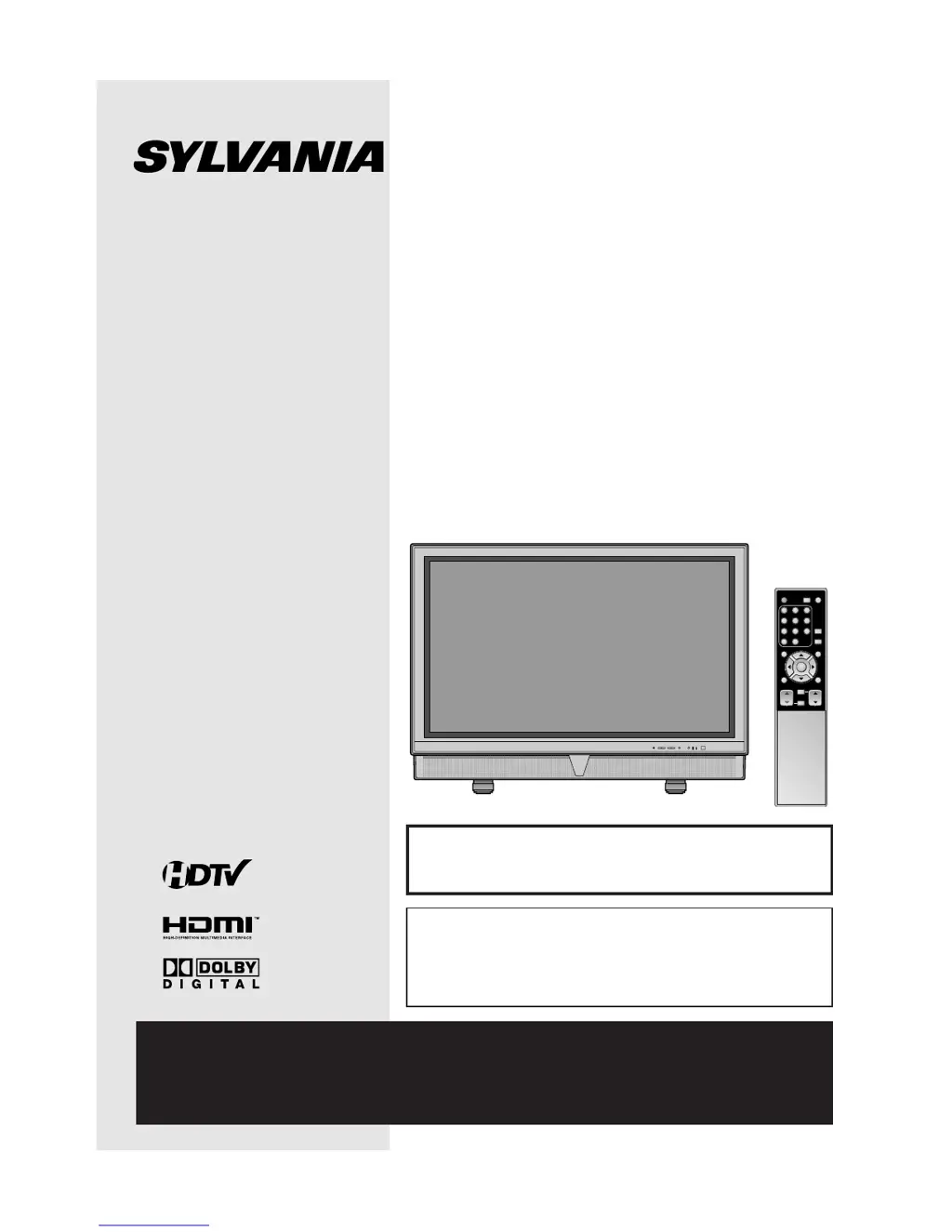
42 inch Digital / Analog
PLASMA DISPLAY TV
Owners Manual
6842THG
IF YOU NEED ADDITIONAL ASSISTANCE WITH SET-UP OR OPERATING AFTER
READING OWNER’S MANUAL, PLEASE CALL TOLL FREE 1-800-605-8453,OR
VISIT OUR WEB SITE AT
http://www.SylvaniaConsumerElectronics.com
ENTER
POWER SLEEP
INPUT
SELECT
AUDIO
STILL
SETUP
BACK
SCREEN
MODE
INFO
CH RETURN
MUTE
VOL. CH
1 2 3
4 5 6
7 8 9
-
0
HIGH-DEFINITION TELEVISION
By changing the screen display mode from time
to time, you can reduce burn-in on screen.
(Refer to “CHANGING THE SCREEN DISPLAY
MODE” on page 21.)

Table of Contents

Other manuals for Sylvania 6842THG

Questions and Answers

  • K
    Kelly McdonaldAug 17, 2025
    What to do if my Sylvania 6842THG has no picture or sound?
    • P
      Patricia SimmonsAug 17, 2025
      First, verify that the power is on and check the outlet connection. Then, check the antenna or cable connection to the main unit. If you're using an outside antenna, check its wire condition and connection. Try viewing other channels to rule out a broadcasting station issue. As a last resort, turn off the power, wait about a minute, and then turn it back on.
  • S
    sherry15Aug 19, 2025
    How to fix a Sylvania 6842THG Plasma TV with no power?
    • R
      Russell ChandlerAug 19, 2025
      Ensure the power cord is securely connected to the outlet. If there was a power failure, unplug the power cord for 30 minutes to allow the unit to reset.
  • C
    Courtney AdamsAug 22, 2025
    Why is my Sylvania 6842THG remote control not working?
    • A
      Ashley RamirezAug 23, 2025
      Check the antenna or cable connection to the main unit. Ensure the remote's batteries have sufficient life. Verify there are no obstructions between the remote and the TV's sensor.
  • R
    Rebecca LewisAug 26, 2025
    How to restore color on my Sylvania 6842THG Plasma TV?
    • L
      Lindsey JarvisAug 26, 2025
      Check the antenna or cable connection to the main unit. If using an outside antenna, inspect the wire condition and connection. Try viewing other channels to see if the issue is with the broadcasting station. You can also adjust the Color setting in the setup screen.
  • N
    Natalie CoxAug 28, 2025
    What causes poor picture quality but good sound on a Sylvania 6842THG Plasma TV?
    • J
      josephharrisonAug 28, 2025
      Begin by checking the antenna or cable connection to the main unit. If you're using an outside antenna, check its wire condition and connection. Electric appliances nearby might be interfering with the signal. Try adjusting the Contrast and Brightness in the setup screen. Also, try viewing other channels to rule out a problem with the broadcasting station.
  • R
    Rebekah ThompsonAug 30, 2025
    Why is the picture weak on my Sylvania 6842THG?
    • L
      Lori JamesAug 31, 2025
      Check the antenna or cable connection to the main unit. If you are using an outside antenna, check the wire condition and connection. Adjust the Contrast and Brightness in the setup screen. Try viewing other channels to see if the problem is with the broadcasting station.
  • A
    Angela AvilaSep 2, 2025
    How do I get rid of ghosts in the picture on my Sylvania 6842THG?
    • M
      morrowstephanieSep 2, 2025
      Ensure the antenna or cable is properly connected to the main unit. If using an outside antenna, check the wire condition and connection. Electric appliances nearby might be interfering; try viewing other channels to see if the problem persists.
  • T
    thompsonvirginiaSep 5, 2025
    Why is the reception poor on some channels on my Sylvania 6842THG Plasma TV?
    • W
      wvargasSep 5, 2025
      Check the antenna or cable connection to the main unit. If using an outside antenna, check the wire condition and connection. Electric waves from nearby appliances may cause interference. Try viewing other channels.
  • Y
    ymooreSep 8, 2025
    How to prevent burn-in on my Sylvania Plasma TV screen?
    • J
      Jeffrey Villa MDSep 8, 2025
      Avoid displaying continuous images like video games, computer graphics, stock market quotations, and other fixed patterns, as these can cause burn-in. If burn-in occurs, display a motion picture such as regular broadcasting to reduce the problem.
  • W
    wmaddoxSep 12, 2025
    Why is my Sylvania 6842THG Plasma TV not receiving digital signals?
    • B
      bcaldwellSep 12, 2025
      Ensure that Autoscan in the setup screen has been completed. This is required when setting up the TV for the first time or when the TV is moved to a location where other channels are broadcast.

Summary

SAFETY AND PRECAUTIONS

IMPORTANT SAFETY INSTRUCTIONS

Essential guidelines to prevent fire, electric shock, and injury during TV operation.

PRODUCT INFORMATION

SUPPLIED ACCESSORIES AND FEATURES

Lists included accessories and highlights key TV features and capabilities.

SETUP AND CONNECTIONS

FUNCTIONS, CONTROLS, AND CONNECTIONS

Details TV functions, controls, input/output jacks, and initial setup procedures.

WATCHING TV

CHANNEL SELECTION, VOLUME, AND DISPLAY MODES

Explains channel selection, volume adjustment, and changing screen display modes for optimal viewing.

OPTIONAL SETTINGS

PICTURE, CAPTIONS, AND PARENTAL CONTROLS

Covers picture adjustments, closed captions, V-chip settings, and password management.

TROUBLESHOOTING AND MAINTENANCE

COMMON ISSUES, REMEDIES, AND MAINTENANCE

Addresses common TV problems, provides solutions, and guides on basic maintenance and signal checks.

SPECIFICATIONS AND WARRANTY

TECHNICAL SPECIFICATIONS AND LIMITED WARRANTY

Lists detailed technical specifications and outlines the product's warranty terms.

QUICK SETUP GUIDE

CONNECTING EXTERNAL DEVICES

Provides visual diagrams for connecting various external devices like antennas, VCRs, and DVD players.

Sylvania 6842THG Specifications

General IconGeneral
BrandSylvania
Model6842THG
CategoryPlasma TV
LanguageEnglish