EasyManua.ls Logo

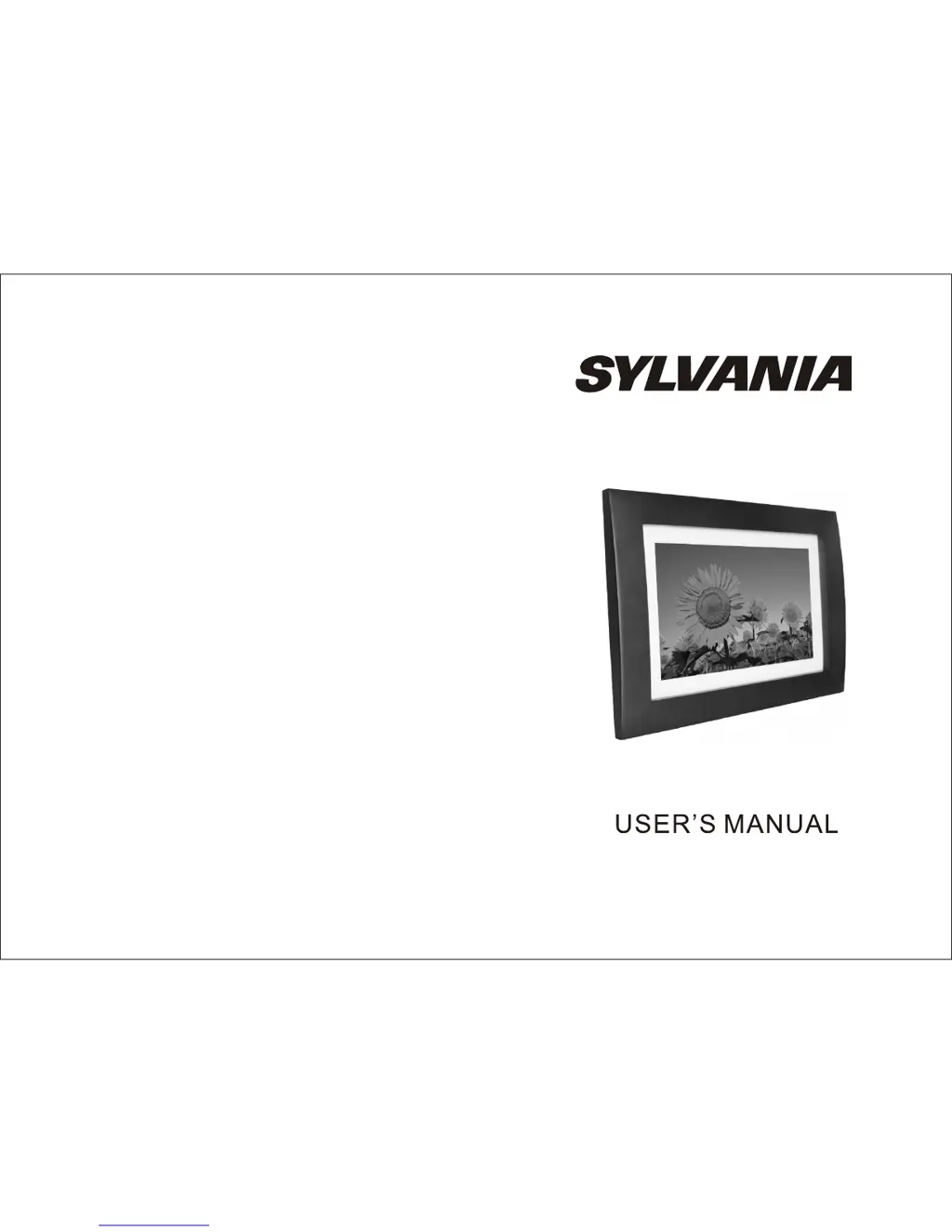
Sylvania SDPF1079 - User Manual

Sylvania SDPF1079
5 pages
Print Icon
To Next Page IconTo Next Page
Loading...
SDPF1079

Questions and Answers

Summary

Introduction

Package Contents

Lists items included in the product package such as the frame, adaptor, and manual.

System Connection

Power Connection

Connects the AC adaptor to the unit and power outlet for operation.

Remote Control

Button Description and Function

Details the function of each button on the remote control for operating the device.

Image Settings

OSD Language

Select the on-screen display language for the user interface.

Slide Duration

Set the time each image is displayed during a slideshow.

Slide Order

Choose the sequence for displaying images in a slideshow (Normal or Random).

Slide Effect

Adjust the visual transition effect between images in a slideshow.

Display Mode

Select how images are displayed, either original size or full screen.

Photo Play Mode

Choose the mode for playing images: single, slideshow, or multi-image.

Photo Effect

Apply color effects like Black & White or Sepia to the displayed images.

Contrast

Adjust the contrast level of the screen display.

Brightness

Adjust the brightness level of the screen display.

Color

Adjust the color saturation level of the screen display.

Reset

Revert the device settings back to their original factory defaults.

Version

Display the current software version of the digital photo frame.

Clock; Calendar Settings

Date & Time

Set the current date and time, including time mode (12/24 hours).

Auto Power

Configure automatic power on/off times and repeat modes (daily, weekly).

Calendar Display

Select the preferred display mode for the calendar interface.

Contrast

Adjust the contrast level of the screen display.

Brightness

Adjust the brightness level of the screen display.

Color

Adjust the color saturation level of the screen display.

Troubleshooting

Digital Photo Frame doesnt power on

Addresses issues related to the unit not powering on, checking power connections.

No photo files on the memory card

Troubleshoots issues when no images are found on the memory card.

The file doesnt play

Resolves problems with unplayable files, checking for compatible formats.

Specifications

Sylvania SDPF1079 Specifications

General IconGeneral
Display Size10.1 inches
Resolution1024 x 600 pixels
USB PortYes
Photo Formats SupportedJPEG
Slideshow FunctionYes
Clock and Calendar FunctionYes
Aspect Ratio16:9
ConnectivityUSB
Power SourceAC Adapter
Supported Media FormatsJPEG
Remote ControlYes
Memory Card SupportSD, MMC
Built-in Memory512 MB

Related product manuals