00 36 03 43
Dir 001
\Ctyy\
......
Mp3
TRACK01
Mp3
TRACK02
Mp3
TRACK03
Mp3
TRACK04
Mp3
TRACK05
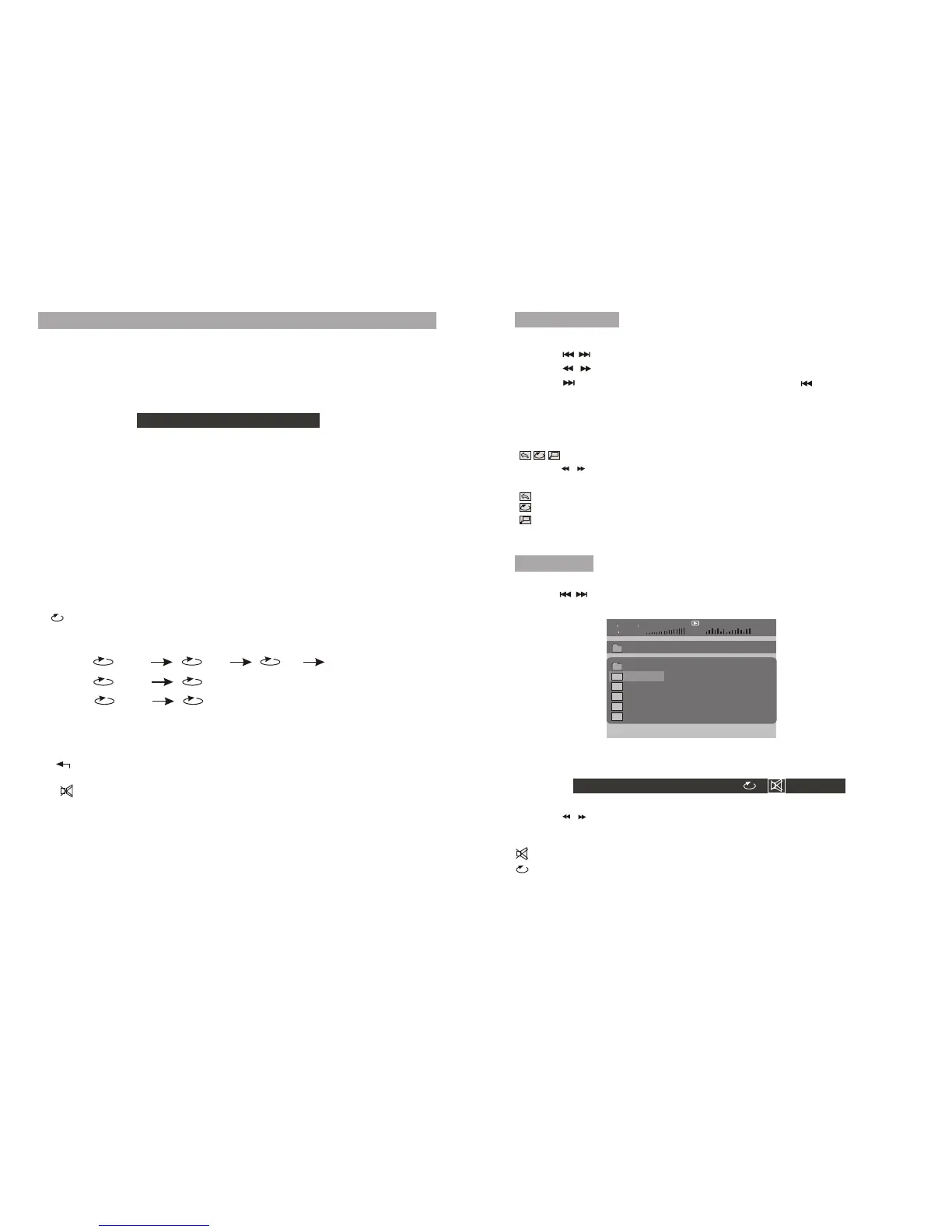
Play Mp3 file
Function operation:
1.Place a Mp3 disc into the disc door.
2.Press[ ] to select the file; Press OK button to play the file selected.
Press "FUNCTION" then you will see the toolbar as below:
Press the / to move the cursor to select functions,
Press "OK" to select the function.
0 1 2 3 4 5 6 7 8 9 OK
0 1 2 3 4 5 6 7 8 9
OK
T/C
: To select repeat one, repeat folder, repeat off.
Virtual Remote Operation
8. ( Repeat): When playing disc of DVD/CD/MP3, you can change the repeat
style by press repeat button. For different type of disc, it change according
different sequence.
12.Angle: When playing a DVD disc with multi-angles, press "Angle" button
and OK button to change the display angle.
10. (Return): to return to the main menu
11. (MUTE): to turn mute
one
folder
Chapter
Title
All
Repeat off
Track
All
9.Slow: You can press slow key to change the playing speed slowly during
playing DVD. Then press OK repeatedly to change the playback speed
according the following sequence: 1/2 1/4 1/8 1/16.
Note: The function is available only for disc with multi-angle.
Playing JPEG file
1.Place a JPEG disc into the tray,the unit will start reading and playing.
2.Press [ ] and OK button to select a JPEG file from the menu.
3.Press [ ] to rotate the picture clockwise.
4.Press [ ] to reverse the picture horizontally and press [ ] to reverse the
picture vertically.
Press "FUNCTION" key you will see the toolbar as below:
Press the / to move the cursor to select functions.
: To repeat one, repeat all.
: To zoom in/out the image during playback.
: Return, to return to the main menu.
Function operation:
Press "OK" to select the function.
:MUTE, to turn mute.
Press the number key to select the track.
MP3:
CD:
DVD:
Press "FUNCTION" to exit the toolbar.
Press "FUNCTION" to exit the toolbar
1.SRH (Search): Press the"SRH" key ,you can see the number bar below, Use
left/right key to move the cursor, press ok to confirm , when playing DVD, you can
change the chapter and the title, press the "T/C " icon change the item you want
to change. When playing CD, you can select the track. Note: To select the title,
you need to enter two numbers.
2.M(Menu):to enter or exit menu root
3.ZOOM:When playing DVD discs ,you can zoom in, press the "ZOOM" button
and ok button to change the image size according the following sequence:
x2 x3 x4, when playing JPEG file, you can zoom in and zoom out, press the
"ZOOM" button and ok button to change the image size according the
following sequence: 100% 125% 150% 200% 75% 50%.
4.TT(Title): to display title information
5.ADO( Audio): to select audio language
6.SUB(Subtitle): to select subtitle language when playing DVD disc
7.OSD: Display the disc information during playing DVD/CD. Such as elapsed
time and remaining time.
1312



 To Next Page