10
Listening to a CD
Repeat Playback:
Up to 20 tracks can be programmed playback as follows:
3. Press PROGRAM button again to store the selected track into the memory.
4. Repeat steps 2 and 3 until all the specific tracks stored into the memory.
5. Press the PLAY/PAUSE button to start playback.
6. To stop and cancel program playback, press the STOP button.
Programme Playback:
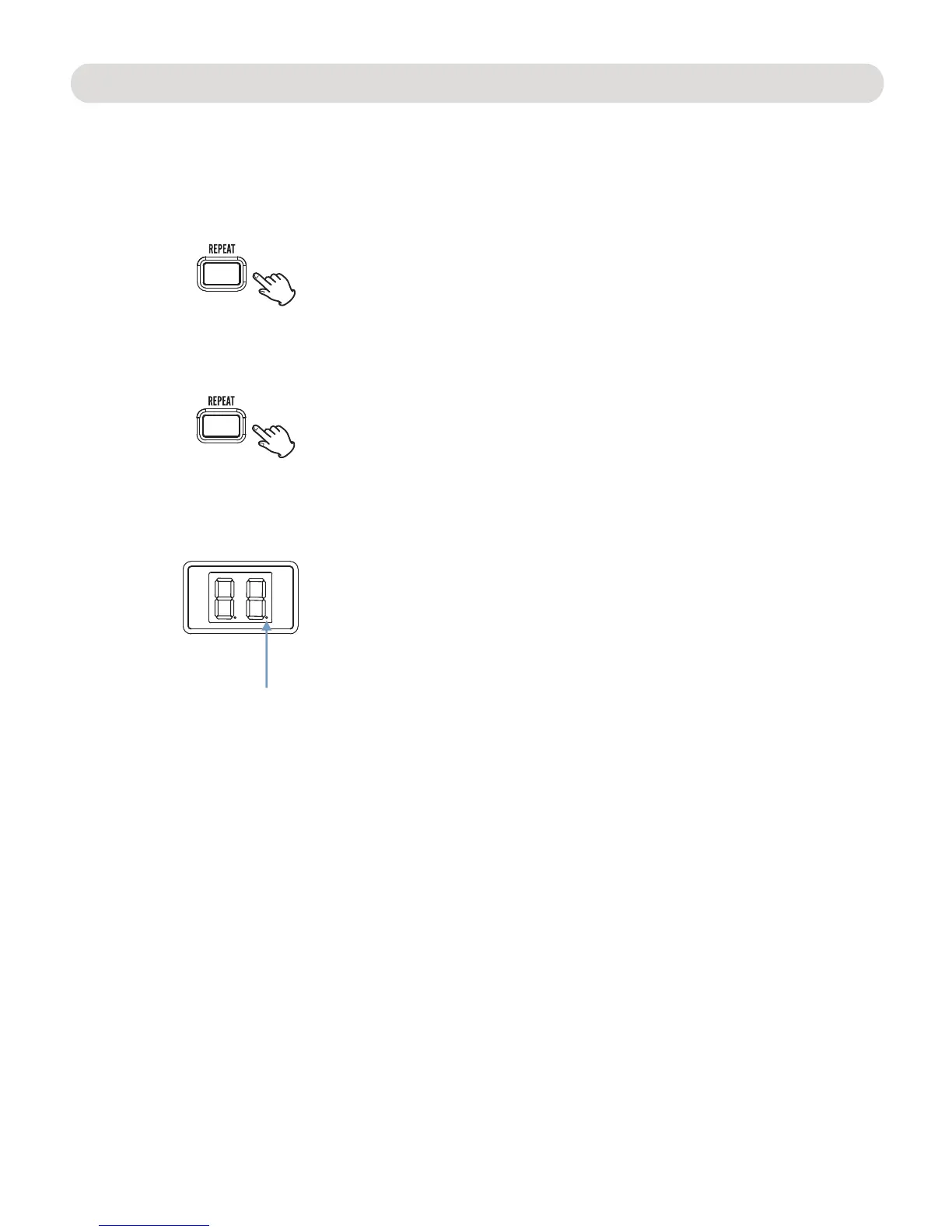
will light and blinking. The current track will playback
repeatedly until the STOP button was pressed.
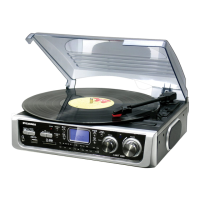
2. Press the REPEAT button twice, the Repeate indicator
will light and stop blinking. All the tracks in the current
3. To cancel the repeat function during playback, press the
REPEAT button repeatedly until the Repeat indicator not
light.
disc will playback repeatedly until the STOP button was
pressed.
1. In CD STOP mode, press the PROGRAM button. “01” will appear on the
LED display and blinking .
2. Select the first specific track to be programmed by pressing
the B.SKIP or F.SKIP buttons.
During playback:
1. Press the REPEAT button once, the Repeate indicator
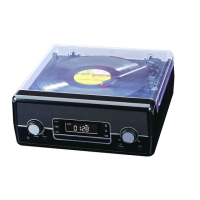
Repeat indicator


 To Next Page