30
31
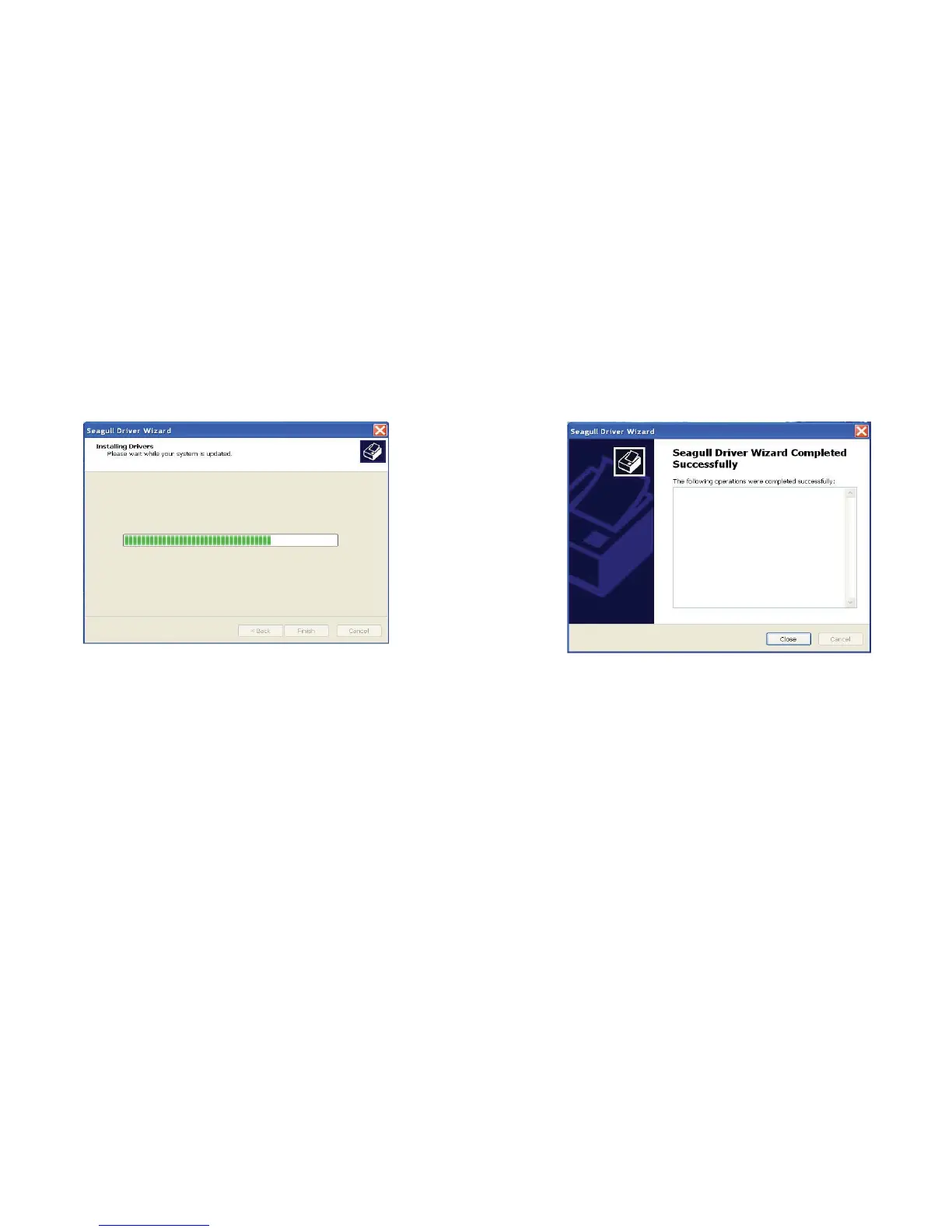
11. After the related files have been copied to your system, click
"Finish".
Installing printer ‘Argox OS-214 plus PPLA’…
12. After driver installation is complete, click "Close".
The driver should now be installed.
Installed printer Argox OS-214 plus PPLA



 To Next Page