EasyManua.ls Logo

Symphonic WF20D4 - User Manual

Symphonic WF20D4
40 pages
Print Icon
To Next Page IconTo Next Page
Loading...
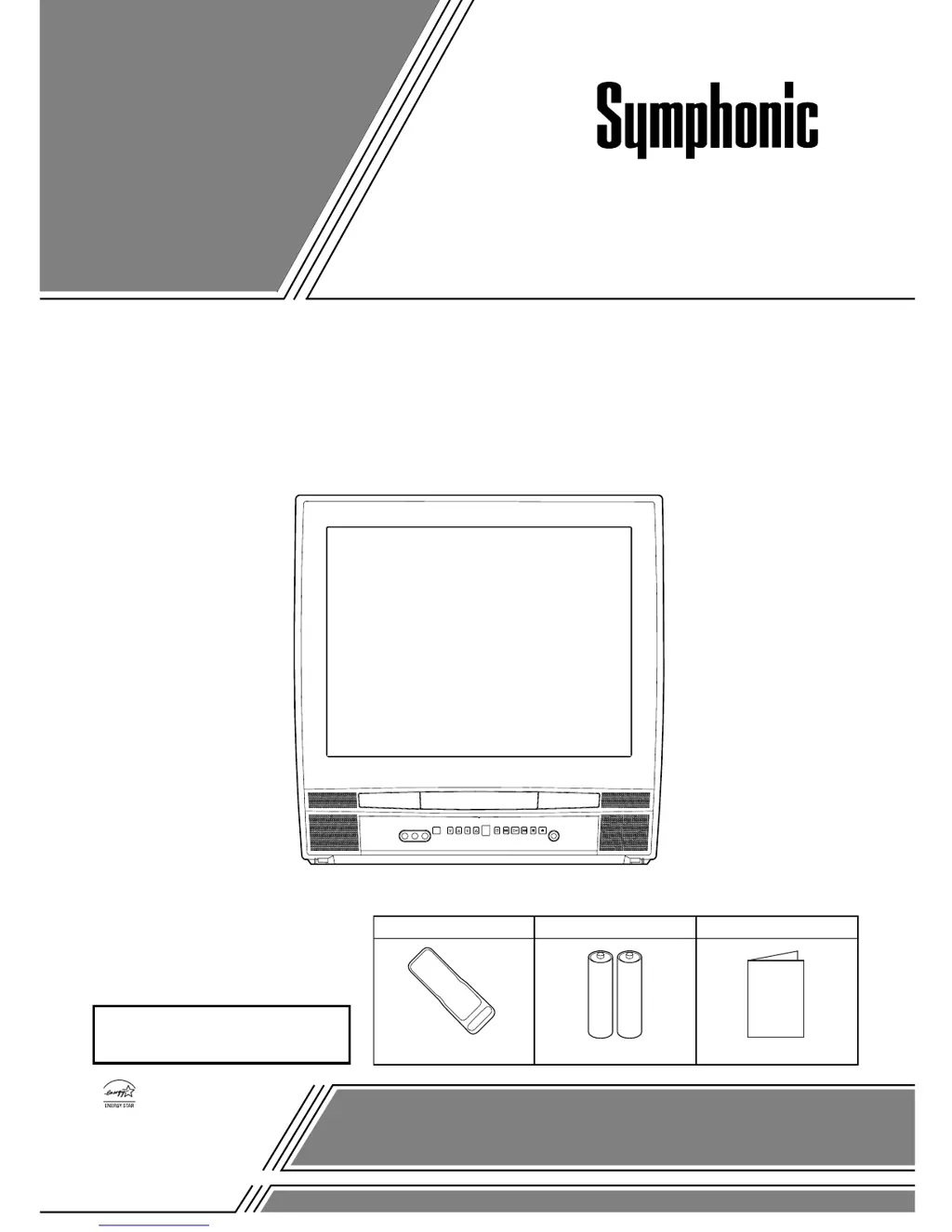
COLOR TV/DVD
WF20D4 (20 inch)
OWNER’S
MANUAL
As an ENERGY STAR
Partner, our company has
determined that this product meets
the E
NERGY STAR guidelines for
energy efficiency. E
NERGY STAR
is a U.S. registered mark.
®
®
®
If you need additional assistance for set-up or operating after
reading owner’s manual, please call TOLL FREE : 1-800-242-7158.
Or visit our WEB SITE at
http://www.funai-corp.com
Please read before using this equipment
INSTRUCCIONES
EN ESPAÑOL INCLUIDAS.
SUPPLIED ACCESSORIES
BatteriesRemote Control Unit
2 AA BatteriesNE228UD
Owners Manual
1EMN20057
Owner's Manual

Table of Contents

Questions and Answers

  • H
    Heather BrownSep 2, 2025
    Why is the picture on my Symphonic WF20D4 distorted?
    • R
      Ricky MckinneySep 2, 2025
      If the picture on your Symphonic TV DVD Combo is distorted or blurred, first try changing the channel to see if the issue persists, as it could be station-related. If you're using an outside antenna, check for any broken wires.
  • C
    Christopher MichaelAug 31, 2025
    Why is there no color on my Symphonic TV DVD Combo?
    • J
      Jill ReedAug 31, 2025
      If your Symphonic TV DVD Combo has no color, try changing to a new channel to rule out station issues. Check the antenna connection at the back of the set and inspect for broken wires if using an outside antenna. Also, adjust the COLOR control.
  • B
    Brian Henderson DVMAug 29, 2025
    Why does my Symphonic WF20D4 TV DVD Combo have poor picture but the sound is OK?
    • R
      Richard ScottAug 29, 2025
      If your Symphonic TV DVD Combo has sound but a poor picture, try switching to a new channel to rule out station issues. Verify the antenna is connected correctly and check for broken wires if using an outside antenna. Look for any local interference. Adjust the CONTRAST & BRIGHT control settings to improve the picture.
  • A
    Alexander JonesAug 27, 2025
    Why does my Symphonic WF20D4 TV DVD Combo have poor sound but the picture is OK?
    • L
      lindsay06Aug 28, 2025
      If you are experiencing poor sound but the picture is fine on your Symphonic TV DVD Combo, try switching to a different channel to rule out station-specific problems. Also, check for any local interference. These steps can help resolve the issue.
  • A
    Ashley BowmanAug 26, 2025
    What causes a weak picture on Symphonic WF20D4?
    • D
      Dawn MccallAug 27, 2025
      If your Symphonic TV DVD Combo displays a weak picture, first try changing to a new channel to see if it's a station issue. Check the antenna connection at the back of the set and inspect for broken wires if using an outside antenna. Additionally, adjust the CONTRAST & BRIGHT control settings.
  • V
    Victoria LambAug 25, 2025
    Why is my Symphonic WF20D4 remote control not working?
    • C
      Cynthia TaylorAug 25, 2025
      If the remote control is not working with your Symphonic TV DVD Combo, check that the power plug is connected to an AC outlet. Replace the batteries in the remote control. Aim the remote directly at the sensor, removing any obstacles. Ensure you are within 23 feet of the unit. Verify the correct mode is selected by pressing SELECT on the remote.
  • E
    ericasmithAug 22, 2025
    What to do if my Symphonic TV DVD Combo has no picture or sound?
    • R
      randy32Aug 22, 2025
      If your Symphonic TV DVD Combo shows no picture or sound, try switching to a new channel to rule out station issues. Ensure the power is on and select TV mode by pressing SELECT on the remote. Also, verify the antenna is properly connected to the terminal on the back. If using an outside antenna, inspect for any broken wires.

Summary

IMPORTANT SAFEGUARDS

PRECAUTIONS

LASER SAFETY

Safety precautions related to the laser system within the unit.

LOCATION

AVOID THE HAZARDS OF ELECTRICAL SHOCK AND FIRE

Essential warnings to prevent electrical shock and fire hazards during operation.

OPERATING CONTROLS AND FUNCTIONS

TV;DVD FRONT PANEL

Identification and description of controls on the front of the unit.

REMOTE CONTROL

Identification and description of buttons on the remote control.

PREPARATION FOR USE

ANTENNA;CABLE CONNECTIONS

Instructions for connecting antenna and cable systems to the unit.

CONNECTING TO EXTERNAL INPUT JACKS

Guide for connecting external audio/video sources like VCRs.

CONNECTING TO AN AMPLIFIER EQUIPPED WITH DIGITAL INPUT JACKS, MD DECK OR DAT DECK (for DVD only)

Instructions for connecting digital audio equipment for DVD playback.

CONNECTING TO A DOLBY DIGITAL DECODER (for DVD)

Guide for connecting a Dolby Digital decoder for surround sound.

SET UP FOR USE

SELECTING THE LANGUAGE

Procedure for choosing the on-screen menu and audio language.

CHANNEL SET UP

Steps for programming TV channels for optimal reception.

TV OPERATION

WATCHING A TV PROGRAM

Basic steps for tuning in and watching television channels.

PICTURE CONTROL

How to adjust picture settings like brightness and contrast.

V-CHIP SET UP

Configuring parental control settings based on TV rating systems.

MPAA RATING SET UP

Setting parental controls based on movie rating systems.

DVD SECTION

PLAYABLE DISCS

List of disc formats supported by the unit.

PLAYING A DISC

BASIC PLAYBACK

Fundamental steps for starting and stopping disc playback.

DISC MENU

Accessing and navigating the disc's main menu.

SEARCH FUNCTION

SPECIAL PLAYBACK FUNCTION

PARENTAL CONTROL

PARENTAL LEVEL

Setting the rating level to restrict disc playback.

TROUBLESHOOTING GUIDE

TV Mode

Common problems and solutions when operating in TV mode.

DVD Mode

Common problems and solutions when operating in DVD mode.

FUNAI CORPORATION LIMITED WARRANTY

Symphonic WF20D4 Specifications

General IconGeneral
BrandSymphonic
ModelWF20D4
CategoryTV DVD Combo
LanguageEnglish